Purpose – From here, teachers can mark student attendance through their own login, record daily attendance accurately, and ensure all attendance data is updated in real time.
> Follow these steps:
1. Click on Attendance.
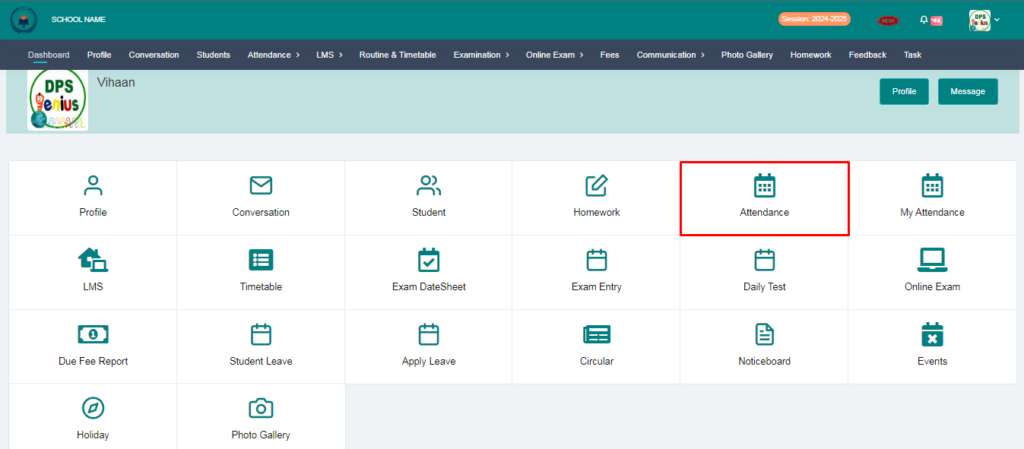
2. Select a class and click on submit button.

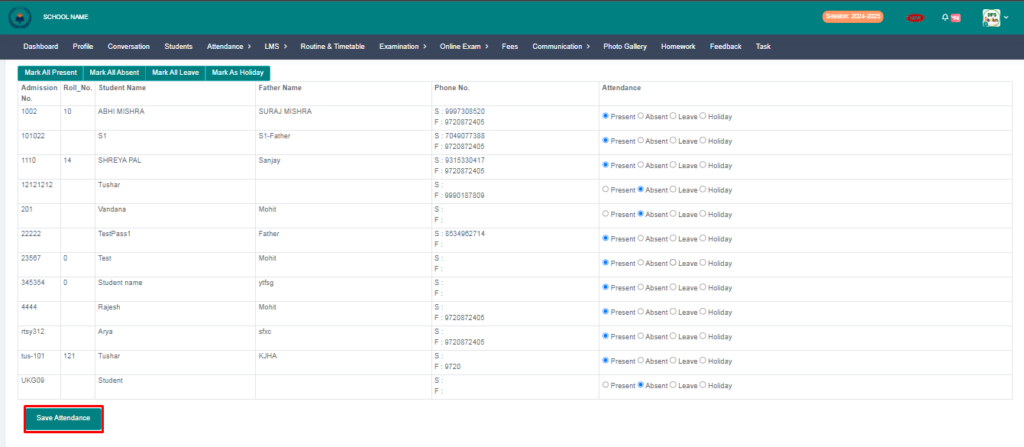
3. From here you can mark attendance and click on save attendance.
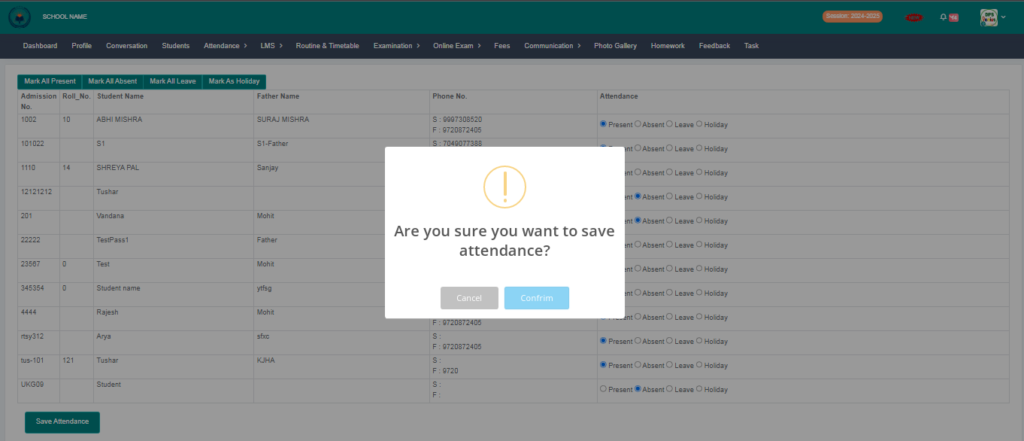
4. After click on save attendance you will see confirmation notification you can click on confirm button and your attendance has been saved.