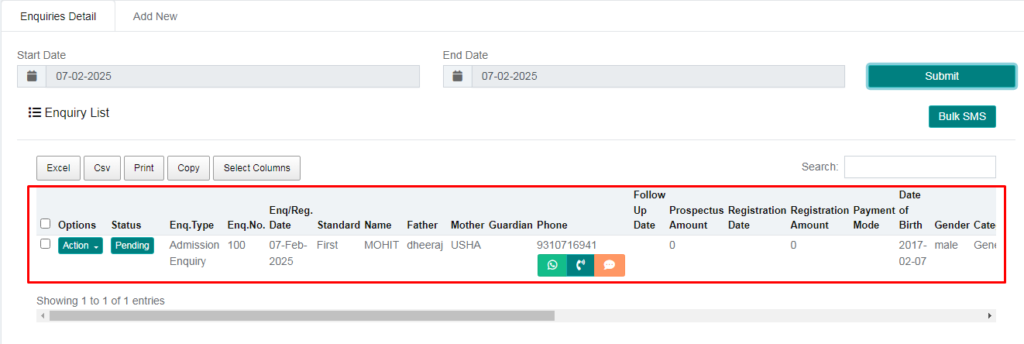
Purpose – Here, you can enter details of students who come for admission inquiry.
> Follow these Steps:
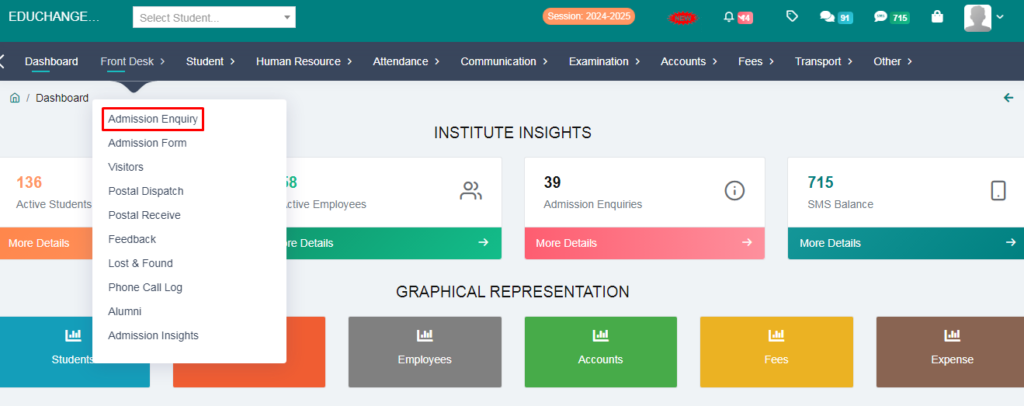
1. Go to the Front Desk Module.
2. Click on the Admission Enquiry.
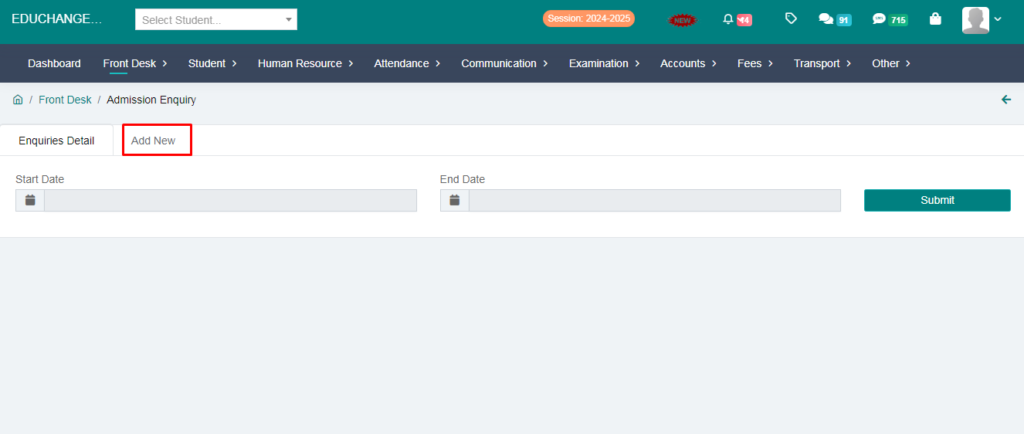
3. Click on the add new option.
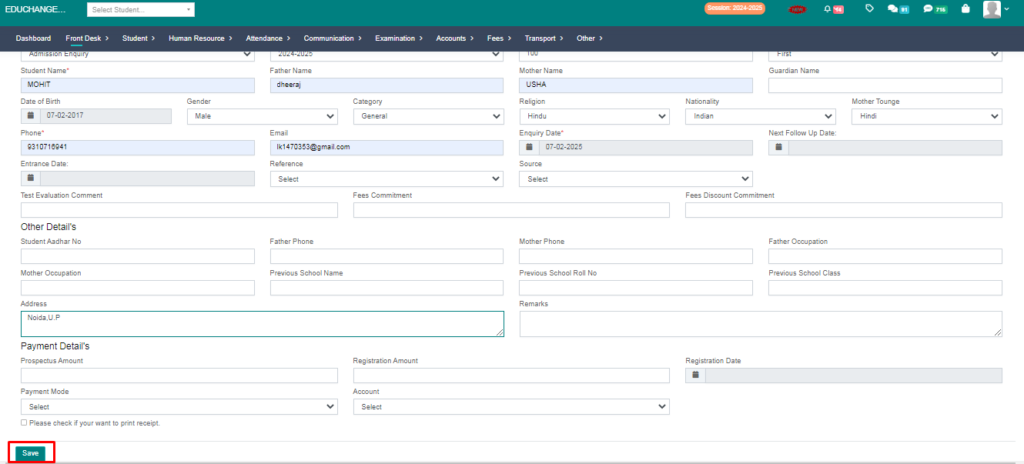
4. Fill the form and save the enquiry.
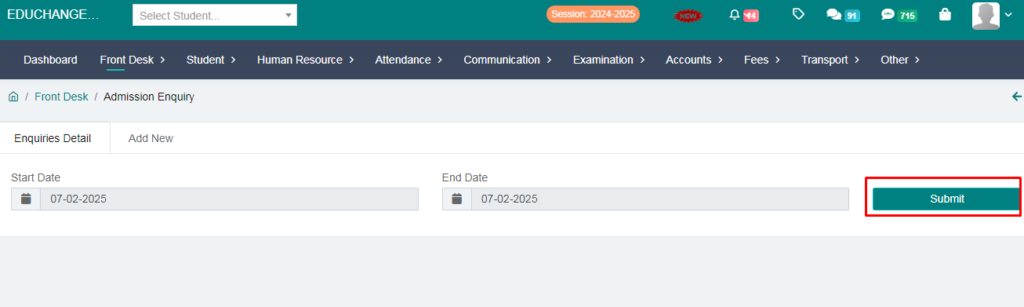
5. Fill the date and check student enquiry.
Your Admission Enquiry Has Been Added Successfully.