Purpose – From here, you can easily download your admit card with all exam details for printing or future reference.
> Follow these Steps :
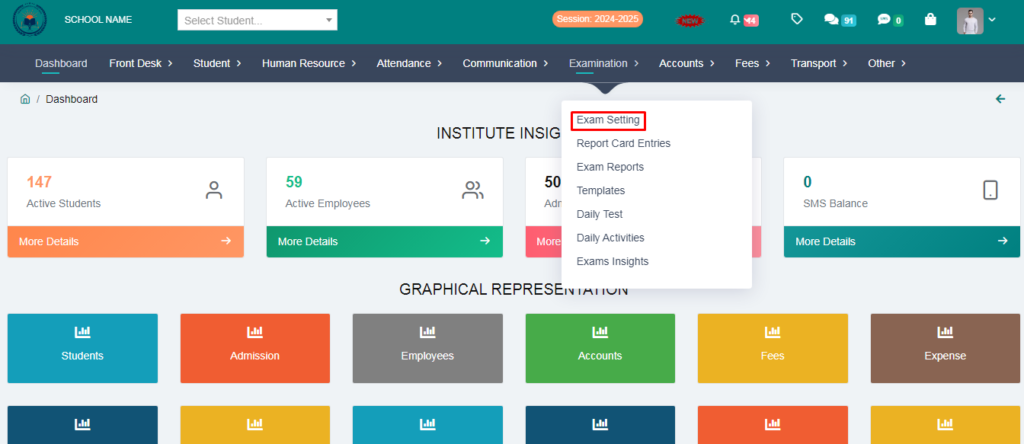
1. Go to Examination Module.
2. Click on Exam Setting .
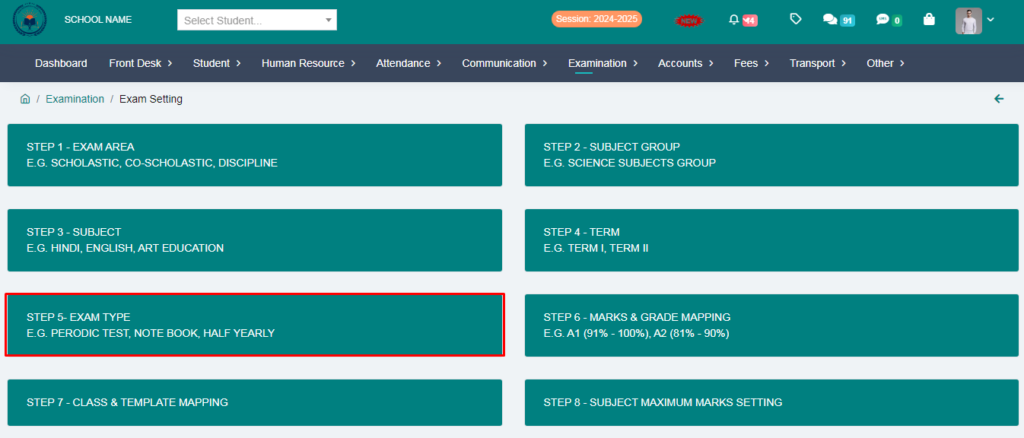
3. Go to Step – 5 Exam Type .
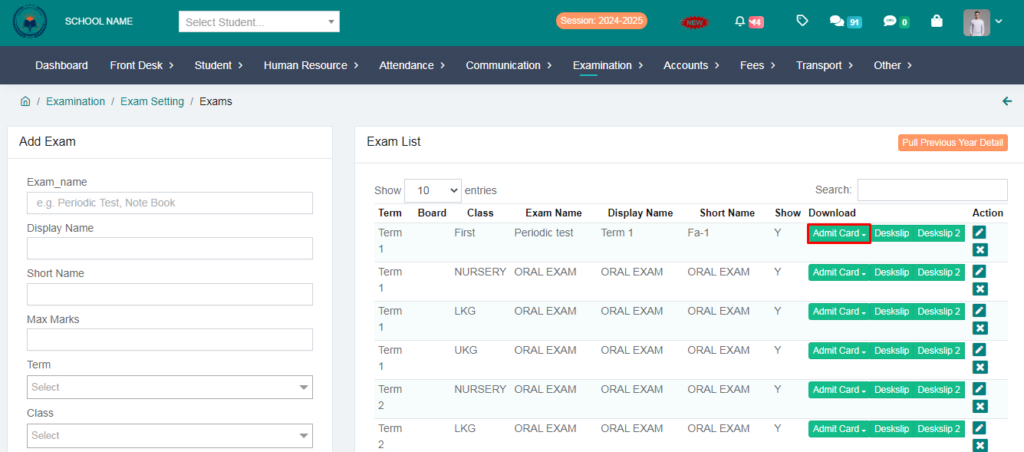
4. Clik on Admit Card option.
5. You can download the admit card by selecting the template .
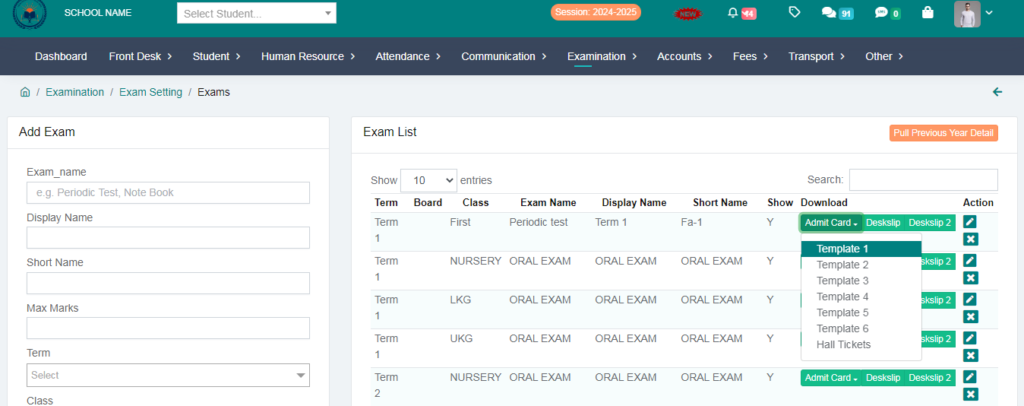
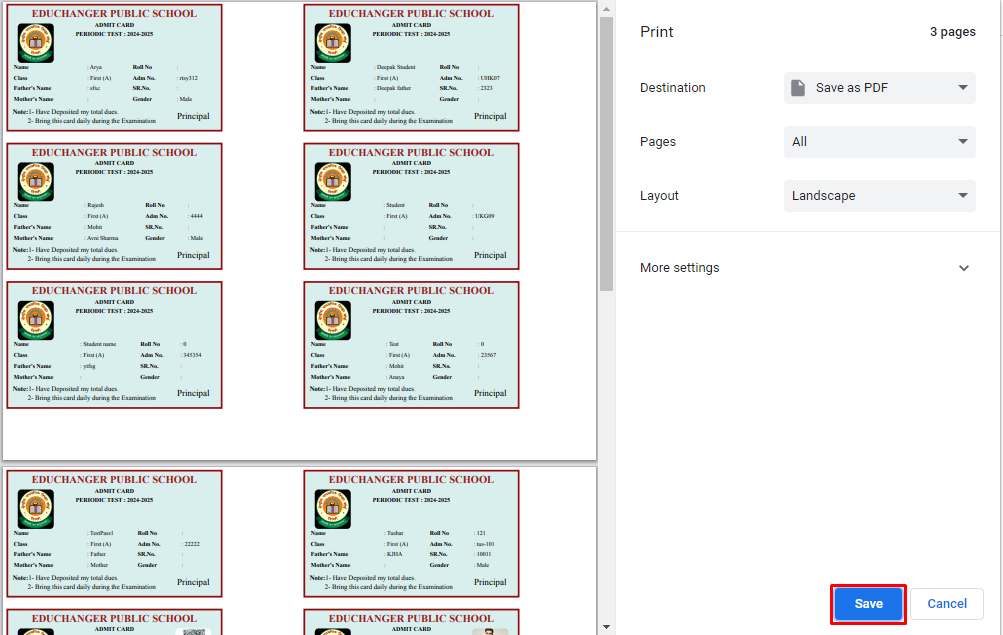
Your Admit Card has been Download.