Purpose – From here, you can create exams, add subjects, and set marks for report cards, ensuring all student assessments are recorded accurately and efficiently.
Follow the Steps:
Step-1:
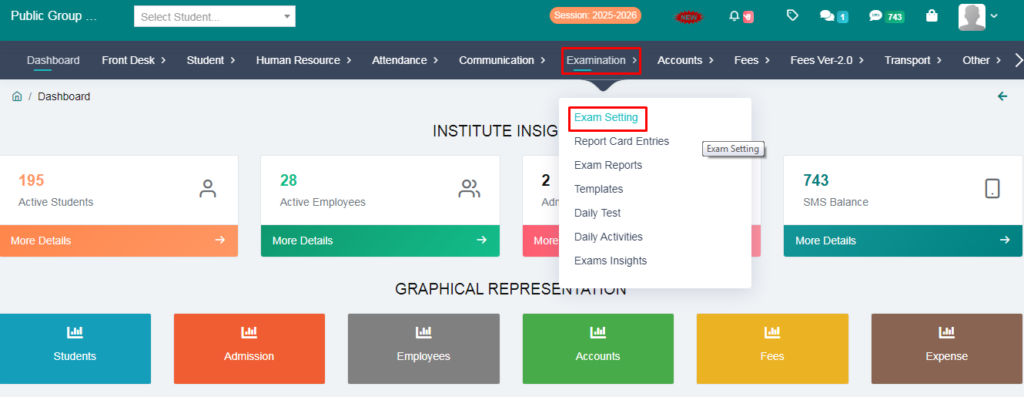
> Go to the Examination Option:
> Click on the Exam Setting :
Step-2:
From here you can set your exam:
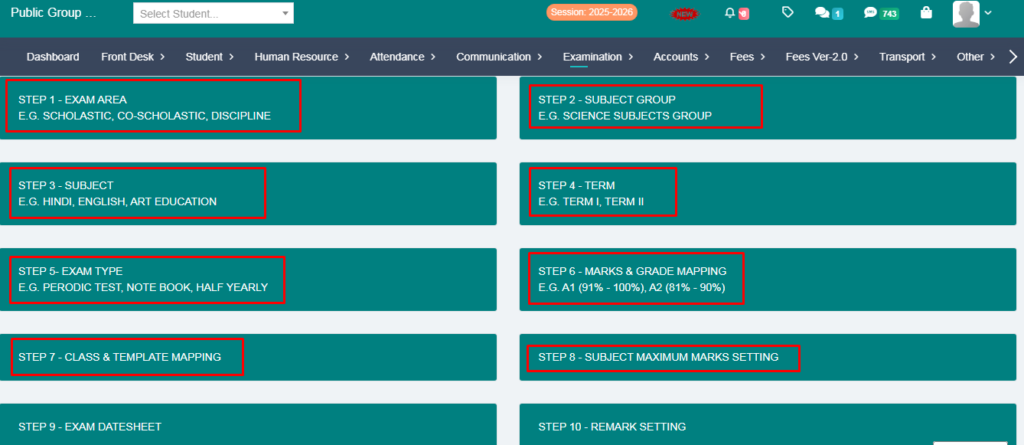
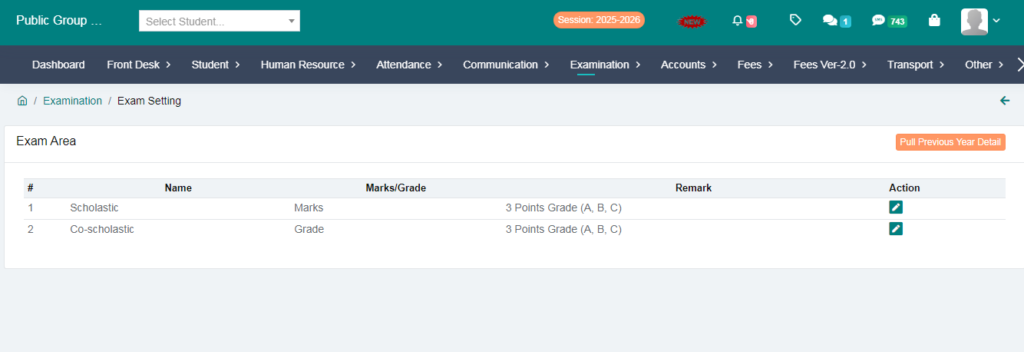
1. Create a exam area:
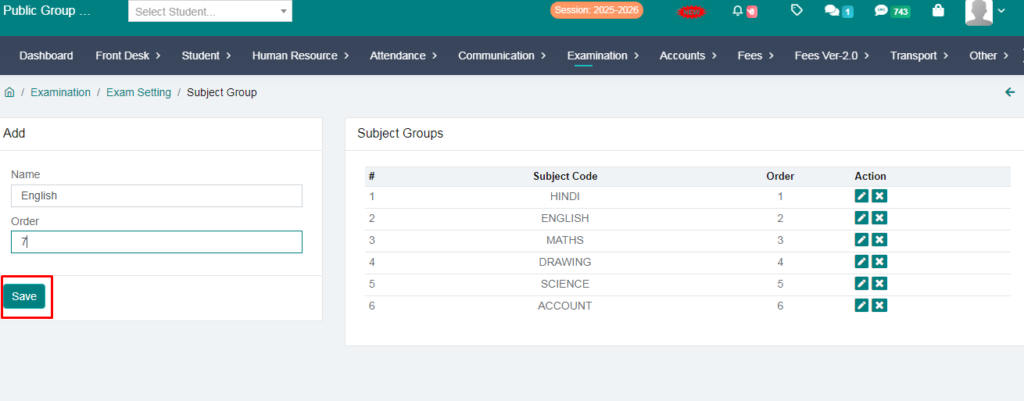
2. Add Subject Group:
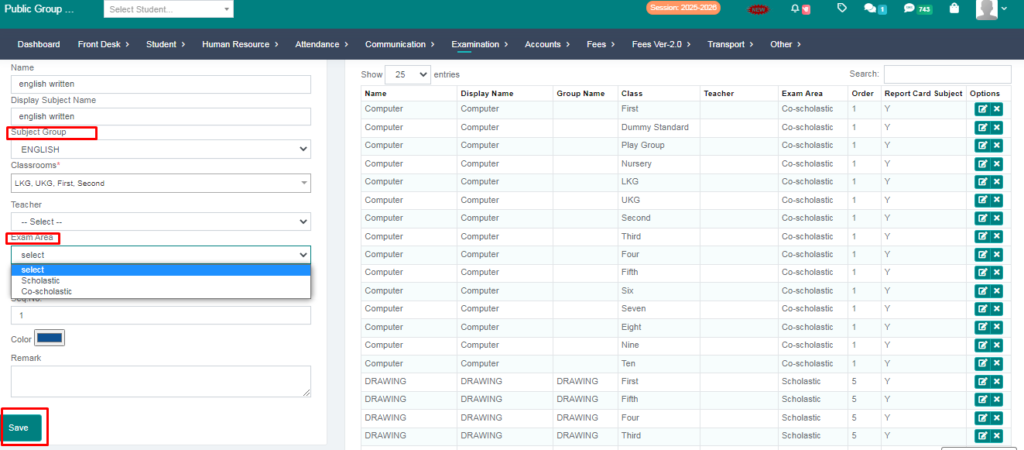
3. Add subjects:
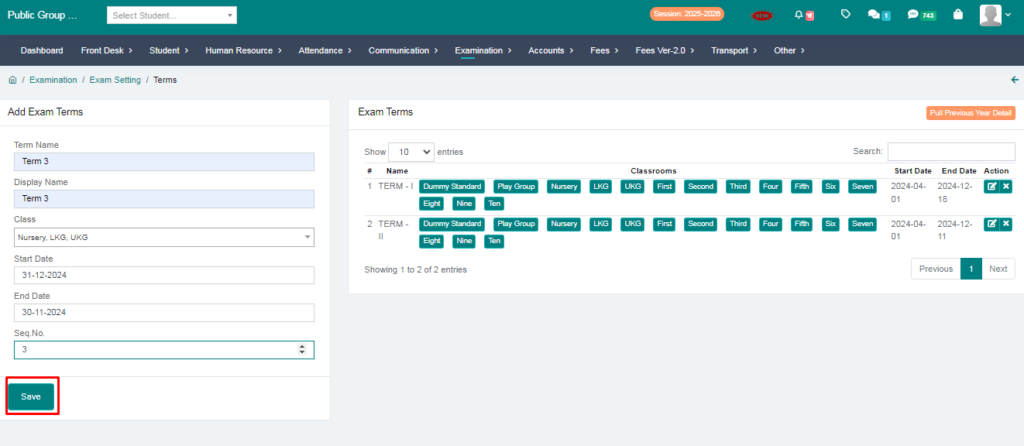
4. Add term:
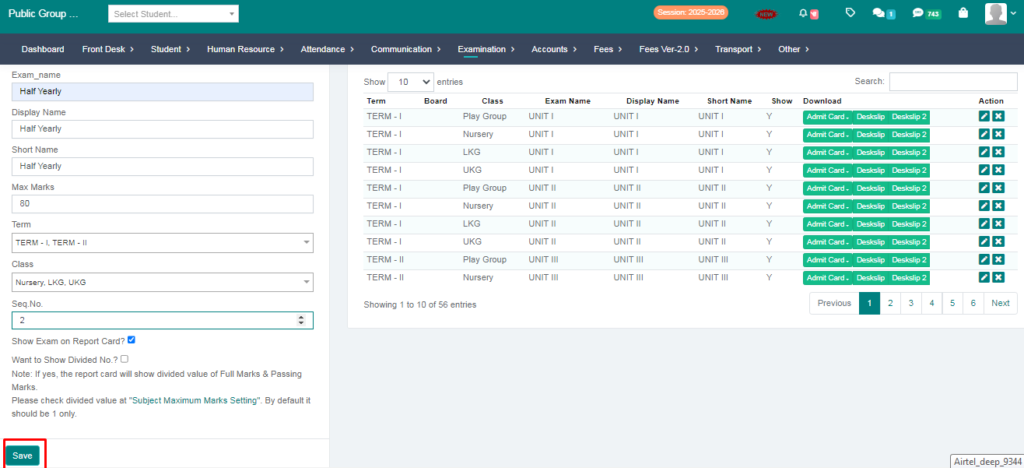
5. Create a exams :
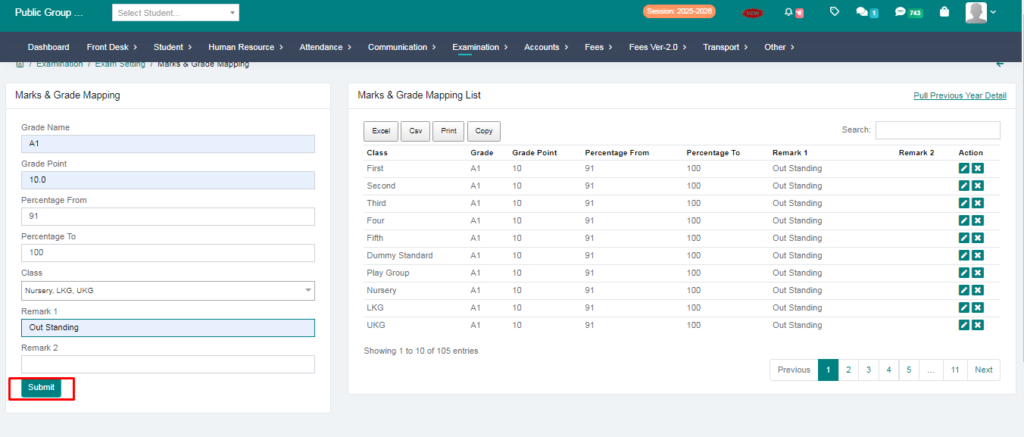
6. Add Grades:
7. Set a Report Card Template:
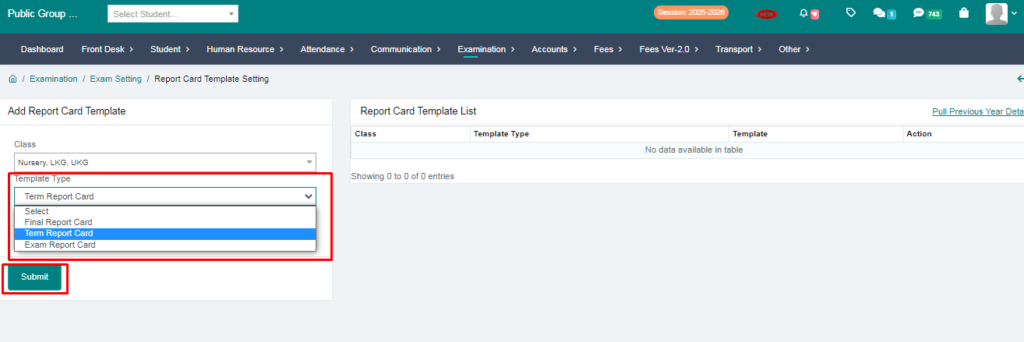
8. Add a Marks:
> You will provide 3 option here:
1. Subject Wise Setting.
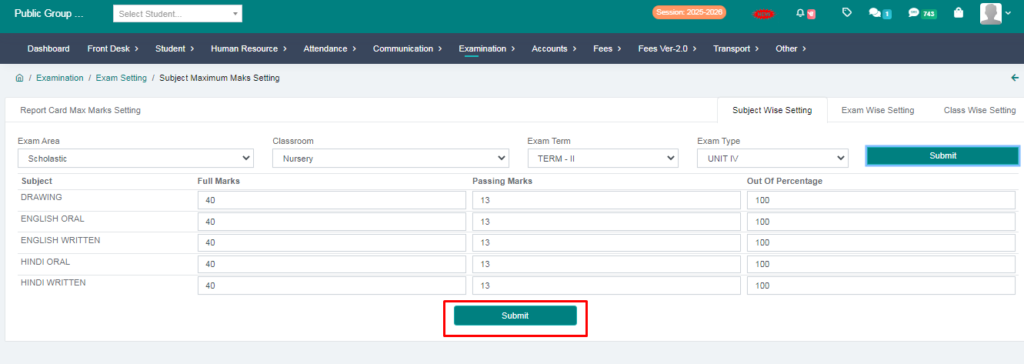
2. Exam Wise Setting.
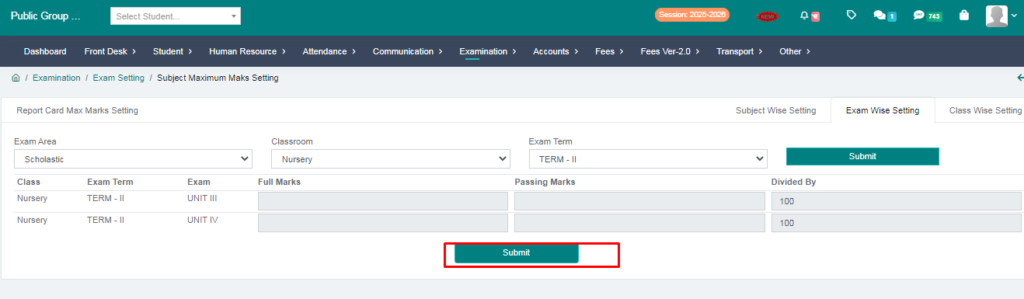
3. Class Wise Setting.
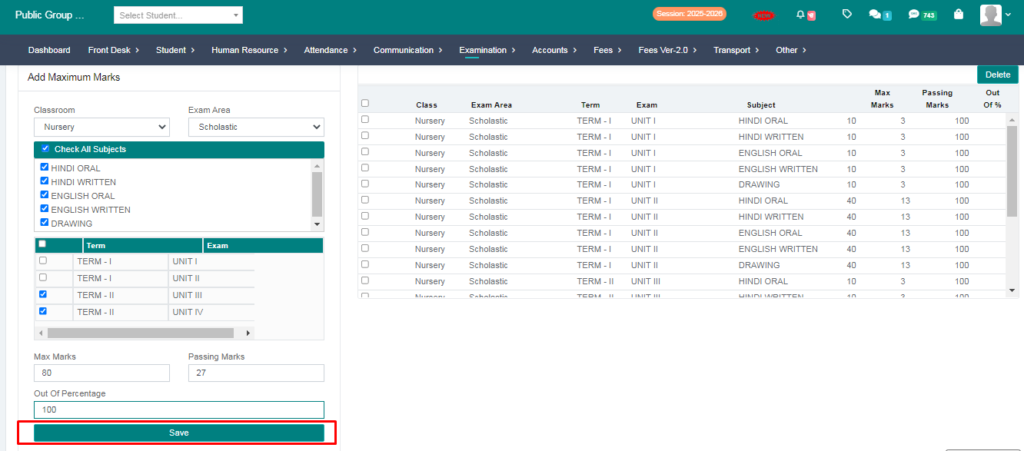
Step-3
You will create a Date Sheet :
> Go to the Examination:
> Click on the Exam Setting:
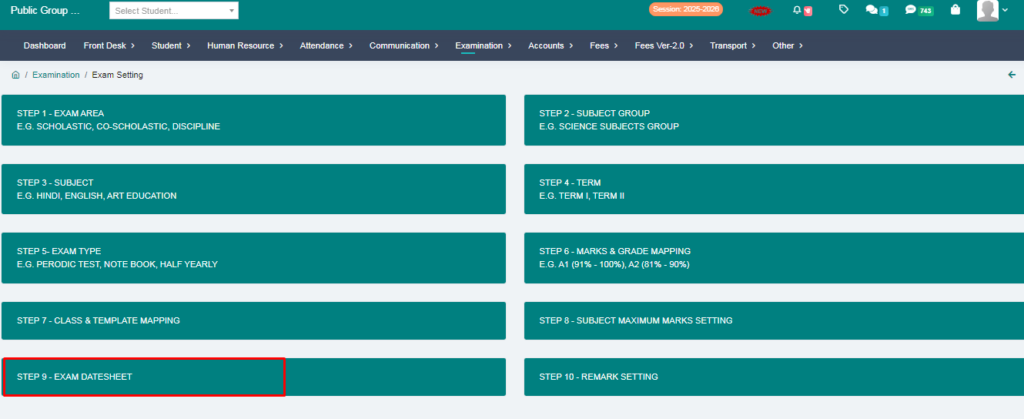
> Go to the Datesheet:
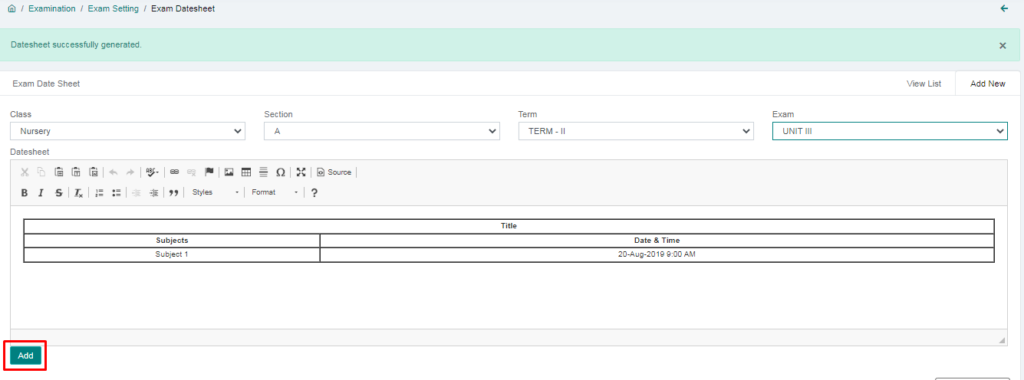
> Fill the form:
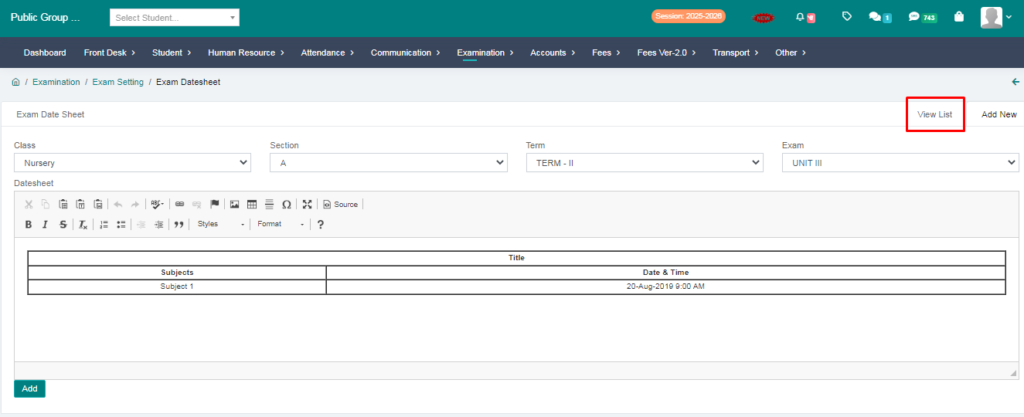
> Check View List:
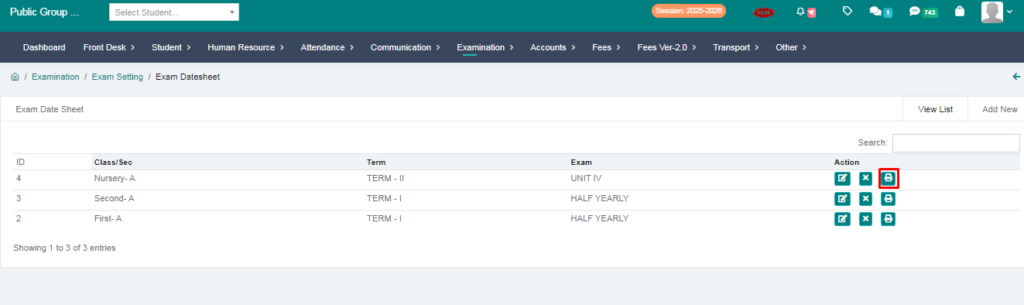
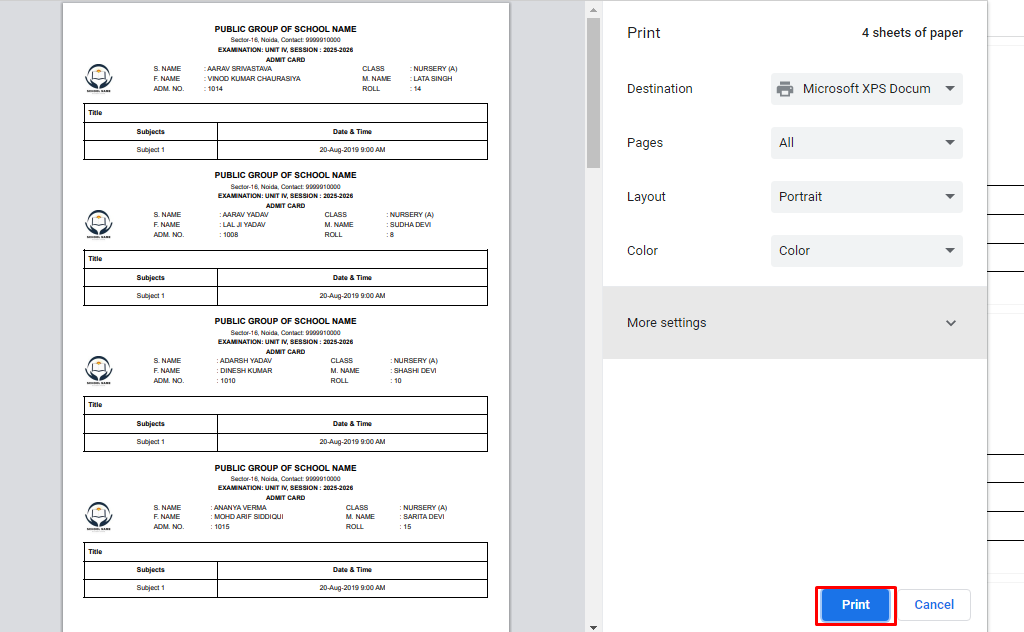
> You will print your Exam Datesheet:
Step-4
You will create Admit Card or Deskslip:
> Go To Exam Setting:
> Click on the Step-5 Exam Type:
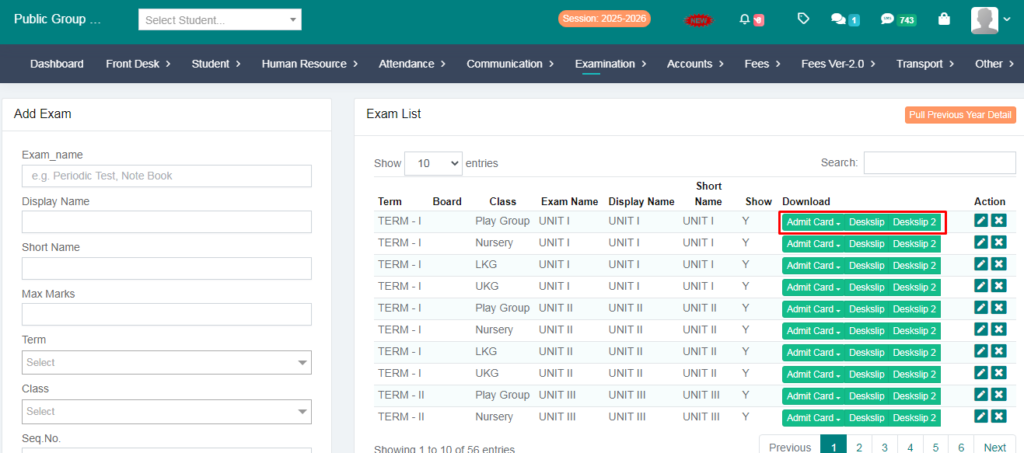
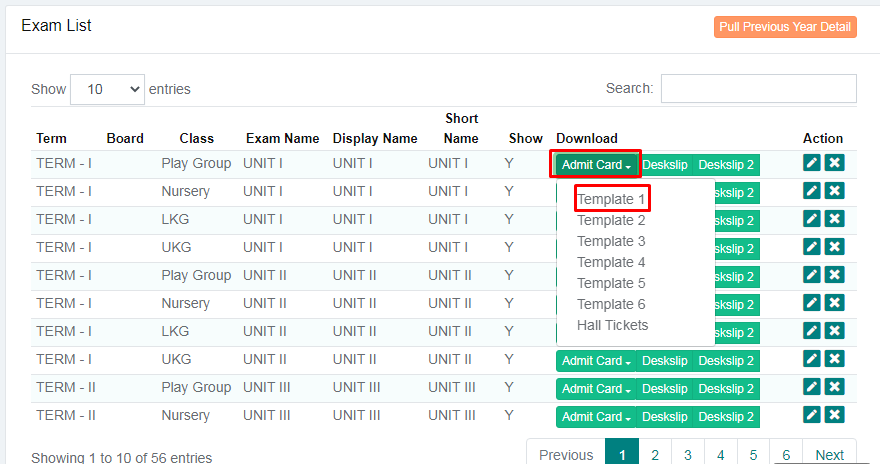
> Click on the Admit card or Choose a Template:
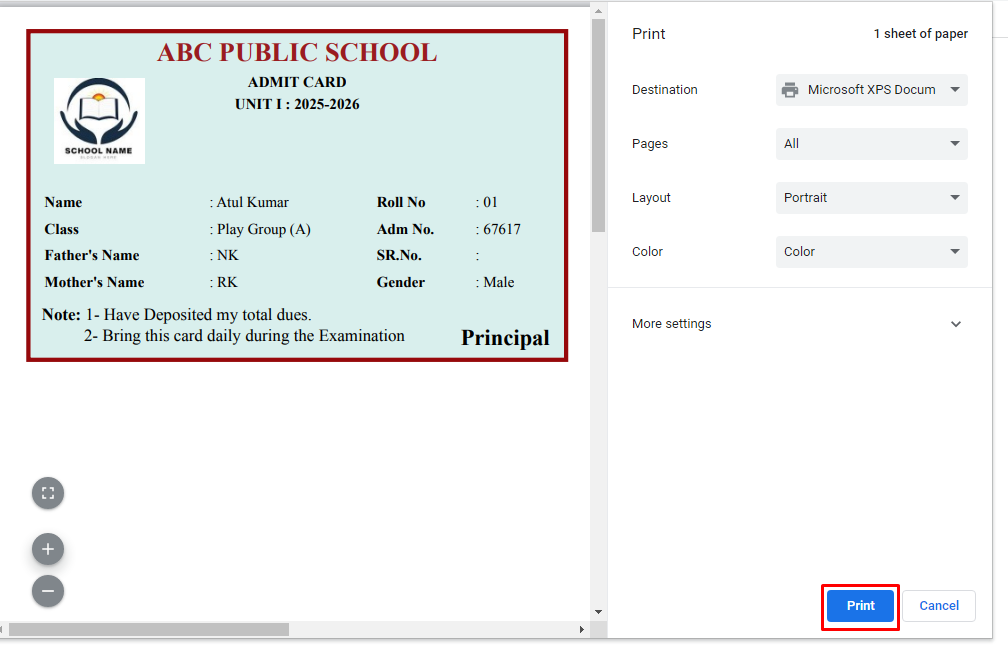
> you will print your Admit Card:
Your Exam Setting has Been Done :