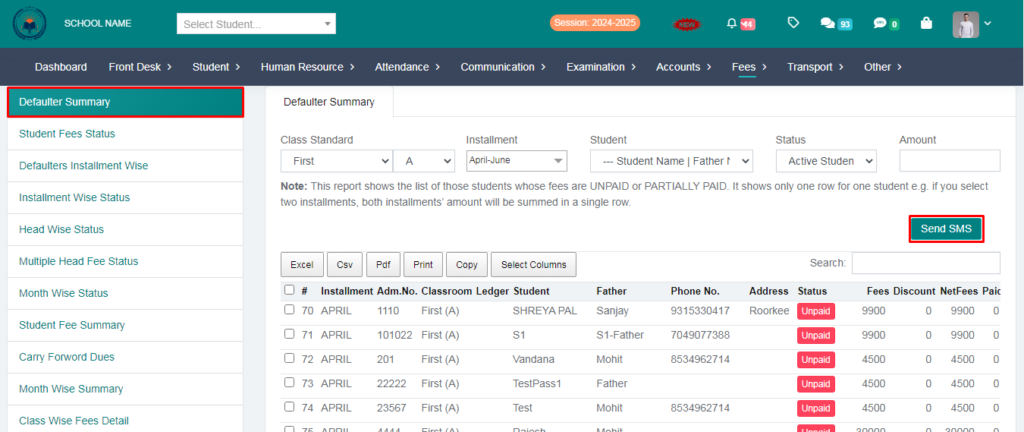
Purpose – From here, you can view reports of students’ due fees and send them text messages for reminders and follow-ups.
> Follow these Steps :
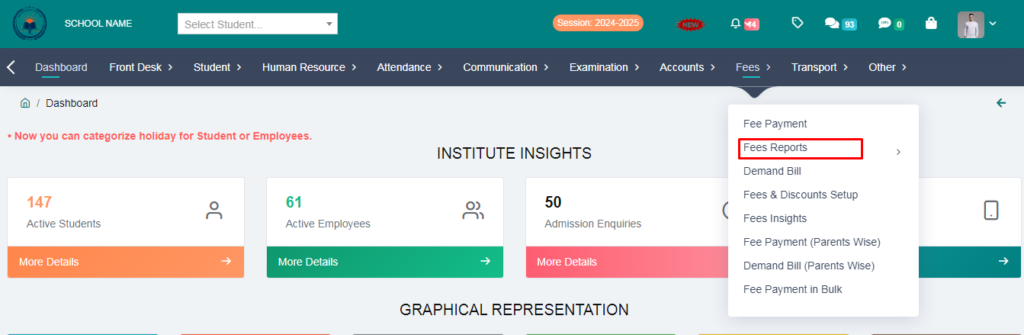
1. Go to Fees module.
2. Click on Fees report.
3. Click on Due Fees Report.
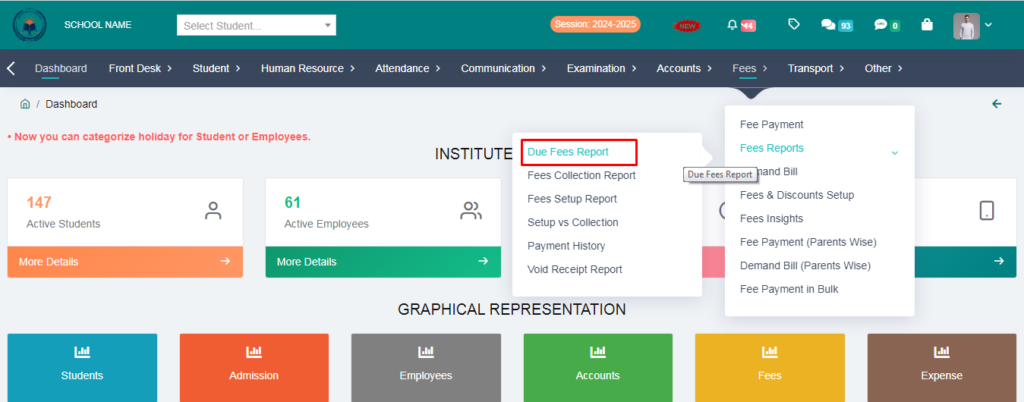
4. Fill the form & you can see your due fees students.
> you can also send sms to them.