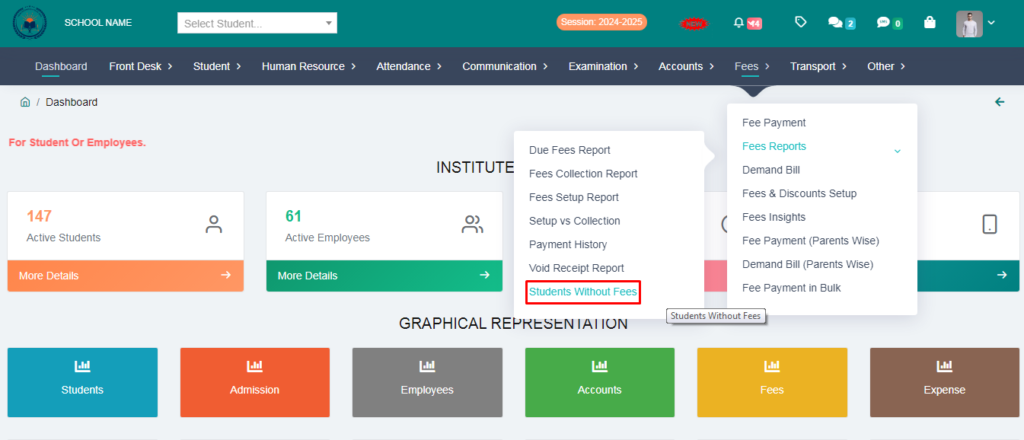
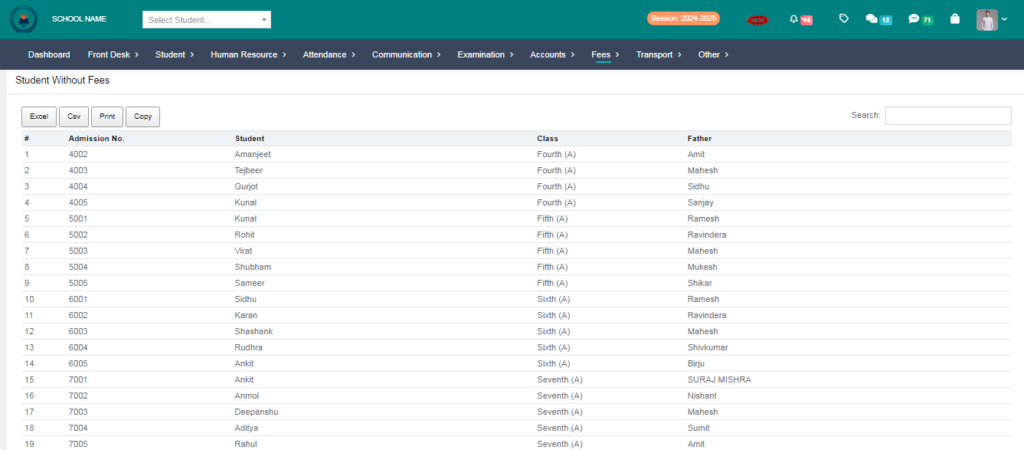
Purpose – Here you can view the list of students who have not been assigned any fees yet, making it easy to identify and manage pending fee assignments.
> Follow these steps:
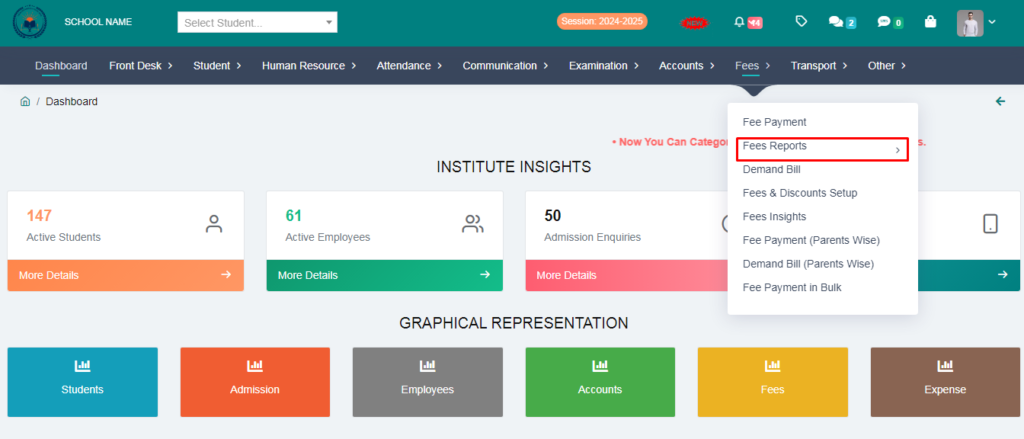
1. Go to Fees Module.
2. Click on Fees Reports.
3. Click on Students Without Fees.