Purpose – From here, you can mark and manage RTE students, ensuring proper identification and accurate records under the RTE category.
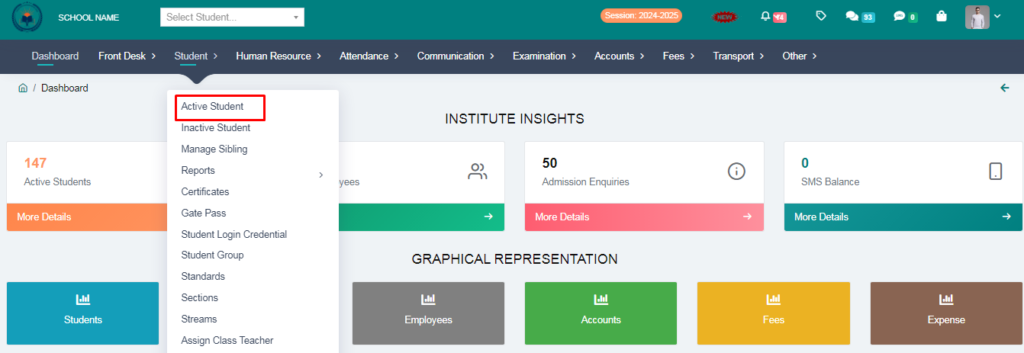
1. Go to Student Module.
2. Click on Active Student.
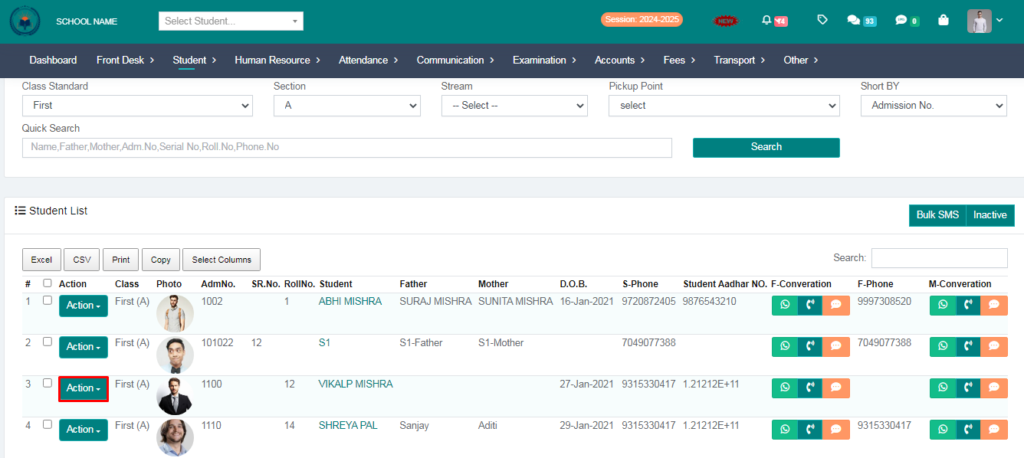
3. Select Standard & Click on Action Button.
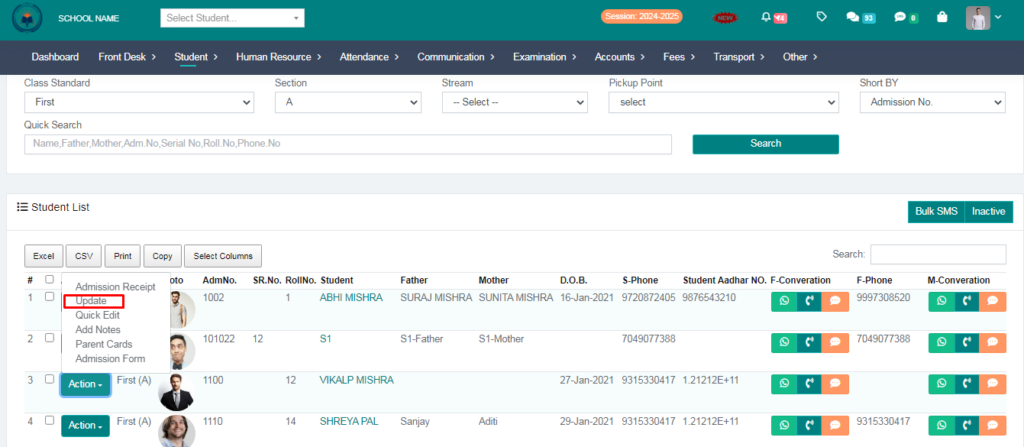
4. Click on Update Button.
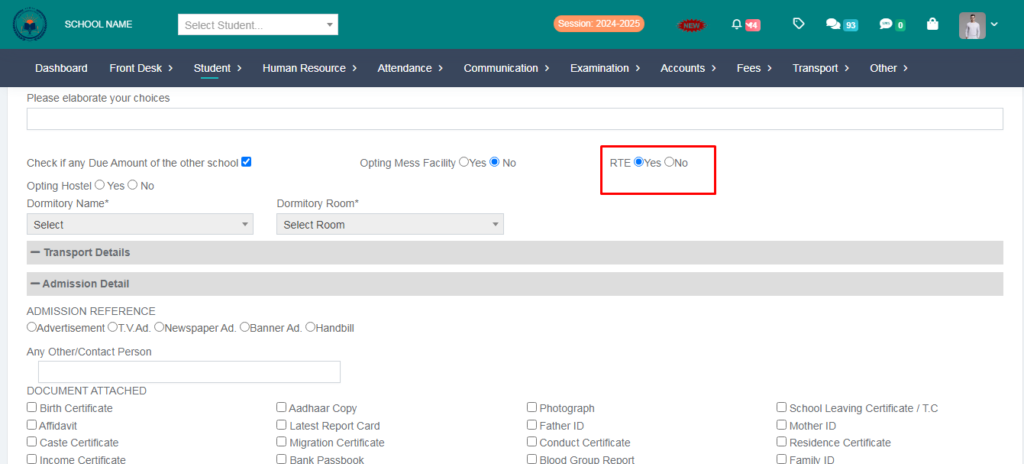
5. Select RTE and Click on Save Button.
6. Go to Student Module.
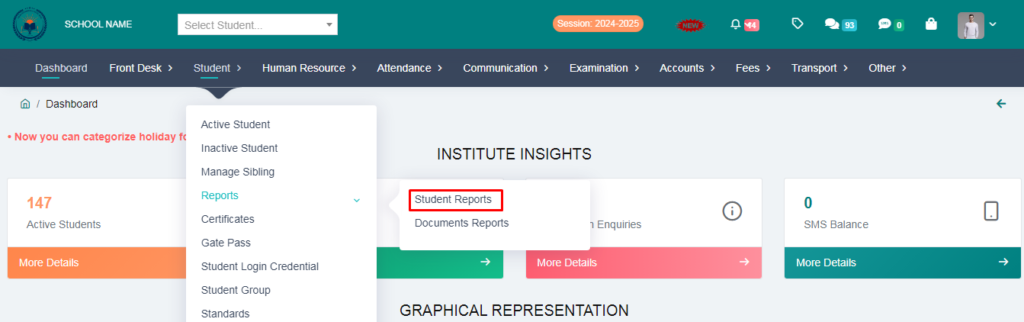
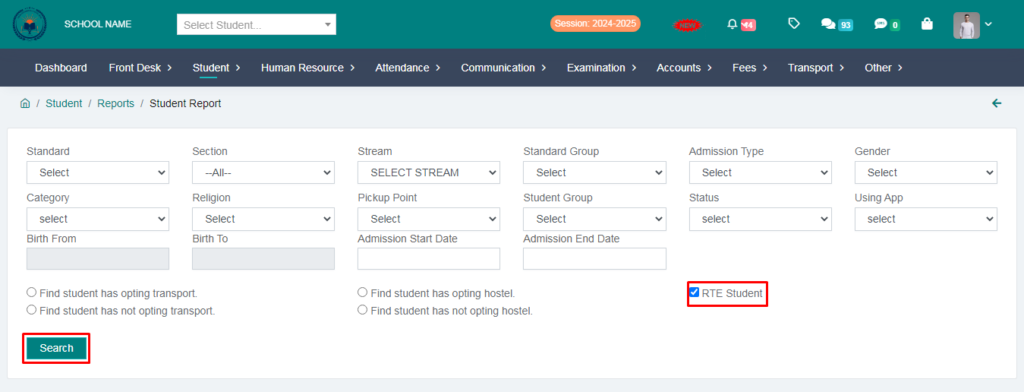
7. Select RTE & Click on search option.
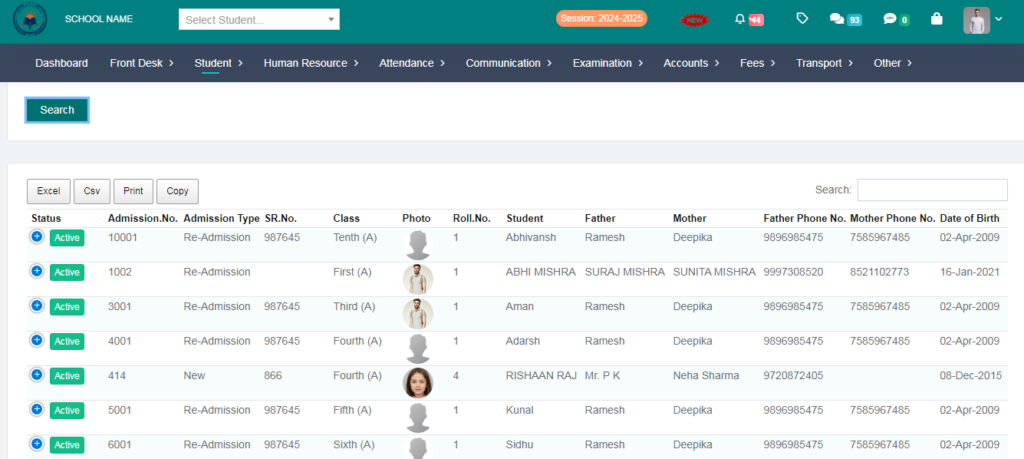
You Can See RTE Students.