> We’ve added two new improvements to the Daybook:
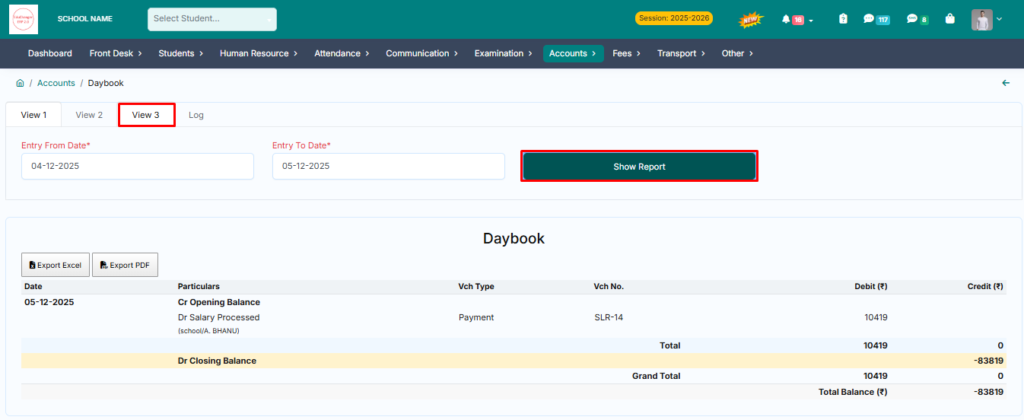
1. View 3 (Day-wise Summary)
A new view has been added that displays day-wise totals under both Debit and Credit columns.
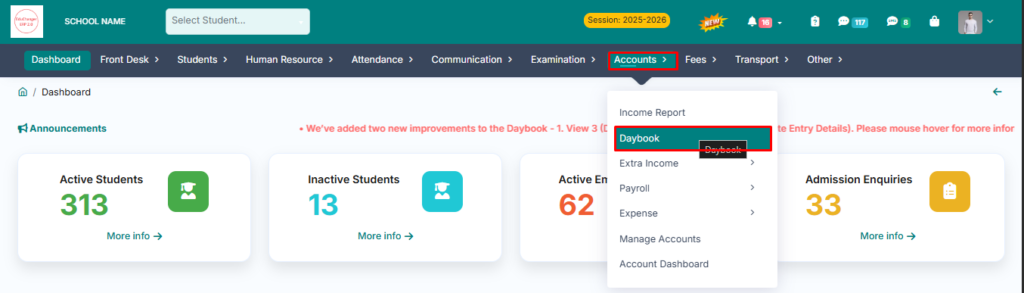
> Go to Accounts Module.
> Click on Daybook.
> Click on View 3.
> Select the date range and click on show report.
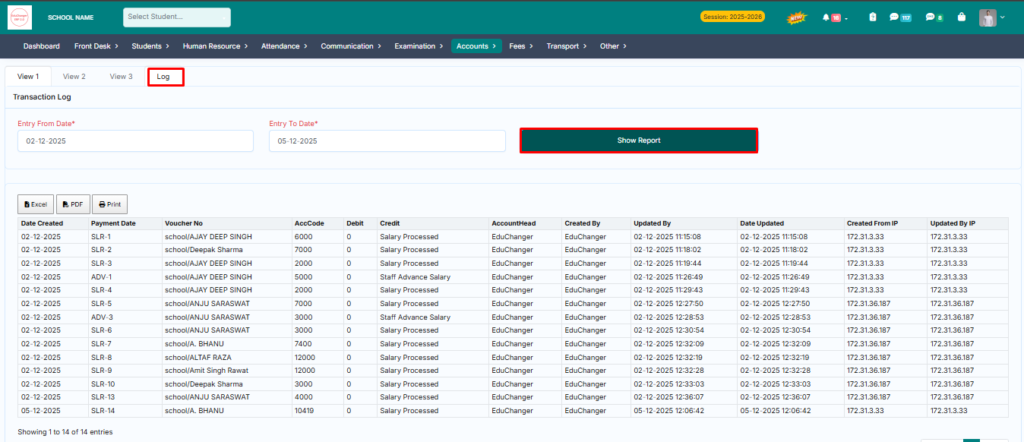
2. Log (Complete Entry Details)
You can now view complete details of each entry—such as who created the entry, IP address, date & time, and more.
> Go to Accounts Module.
> Click on Daybook.
> Click on Log.
> Select the date range and click on show report.