Purpose – From here, students can submit their feedback regarding classes, teachers, and school activities, helping the administration improve the overall learning experience.
> Follow these steps:
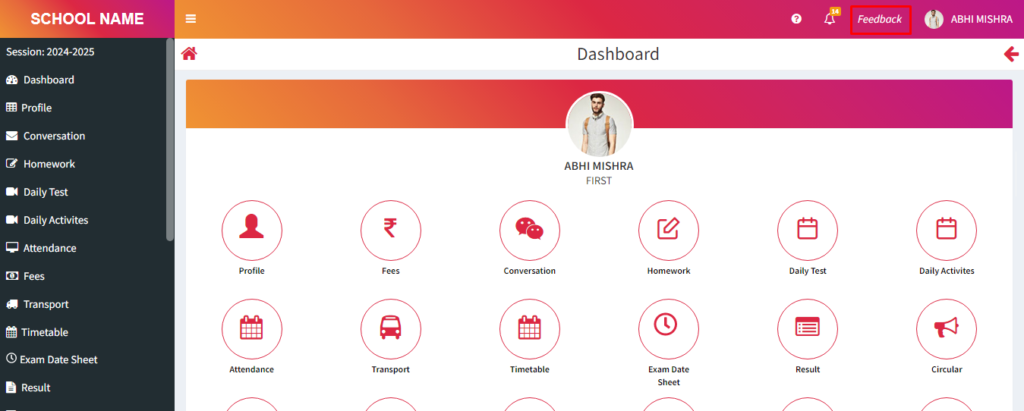
1. Click on Feedback.
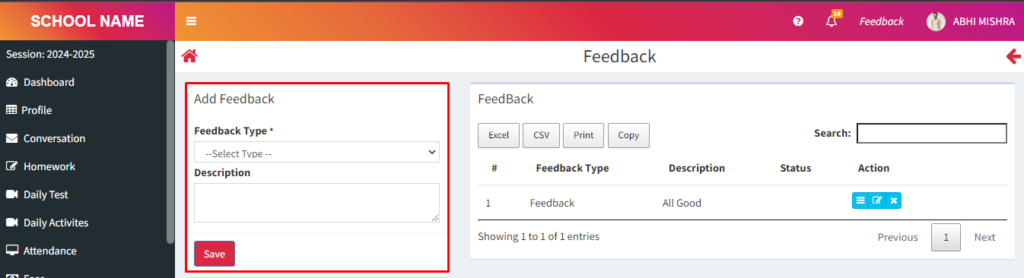
2. Here you will see a form, you can fill this form and submit your feedback.
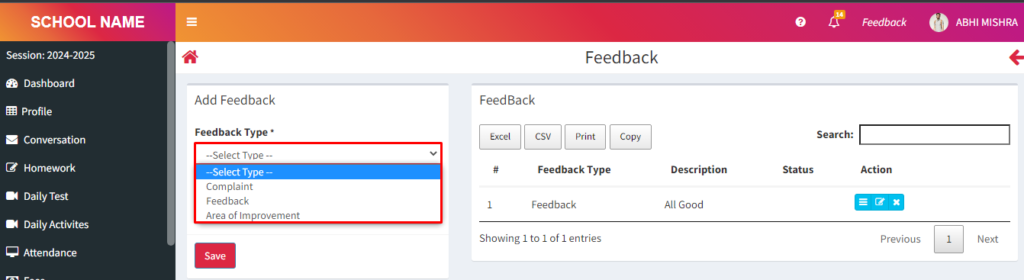
> Click Feedback type > Here you will get three option :
> Complaint
> Feedback
> Area of Improvement
3. Fill the form and click on save button.
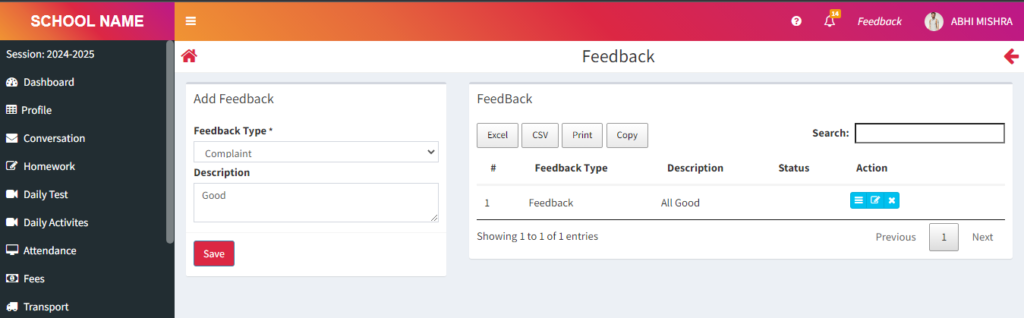
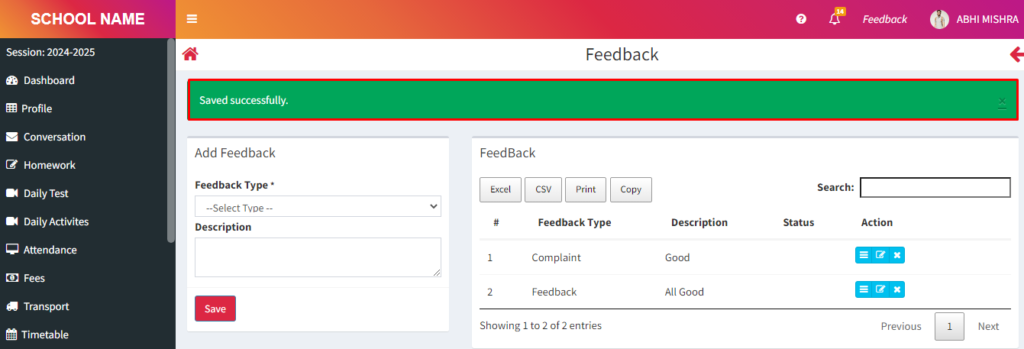
Feedback saved sucessfully.
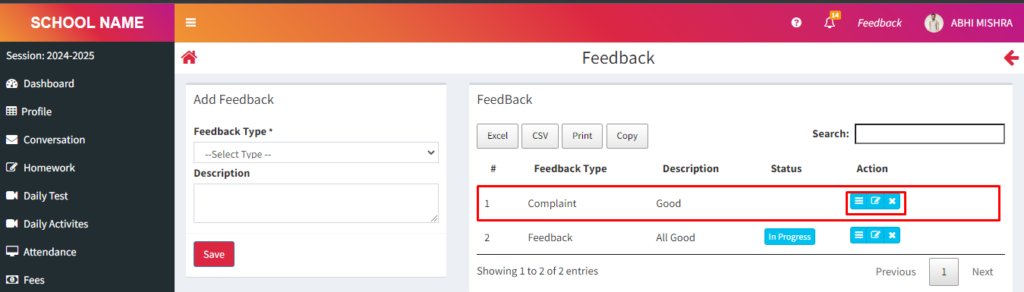
4. Your feedback has been sent to the teacher. Whatever action is taken by the teacher, you will see its status here.
> Click on edit button and you will see your status.
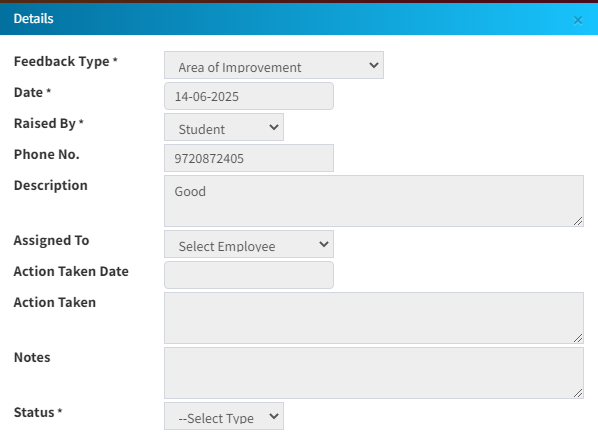
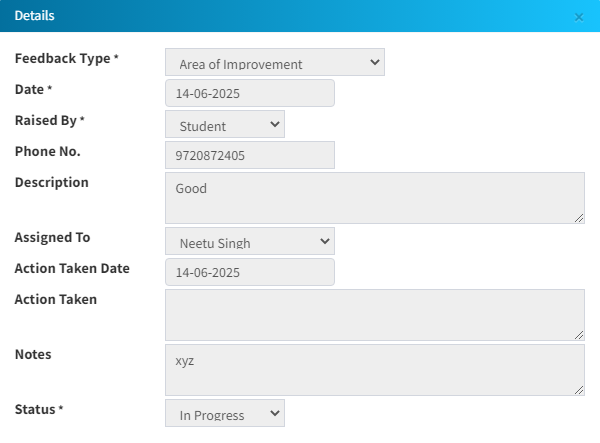
> You will see this status after the teacher’s action