Purpose – Now you can add and manage follow-ups for admission enquiries, helping you track communication, schedule reminders, and ensure no prospective student enquiry is missed.
> Follow these steps:
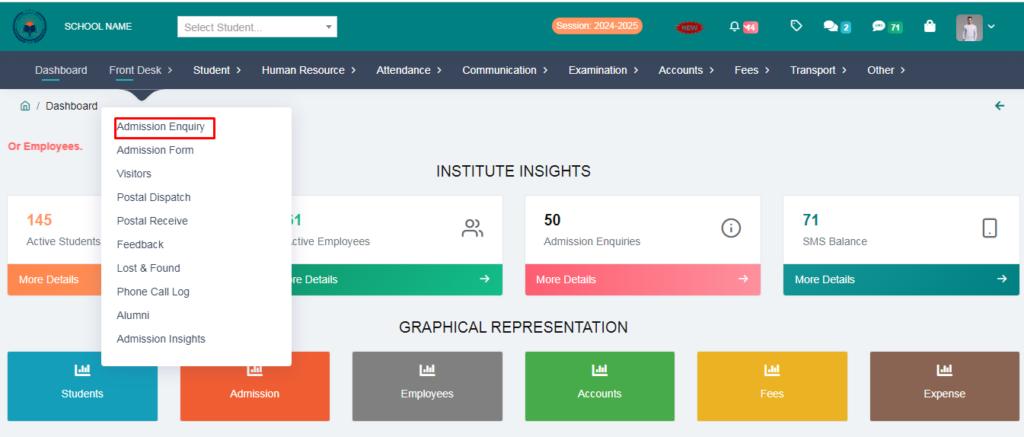
1. Go to Front Desk Module.
2. Click on Admission Enquiry.
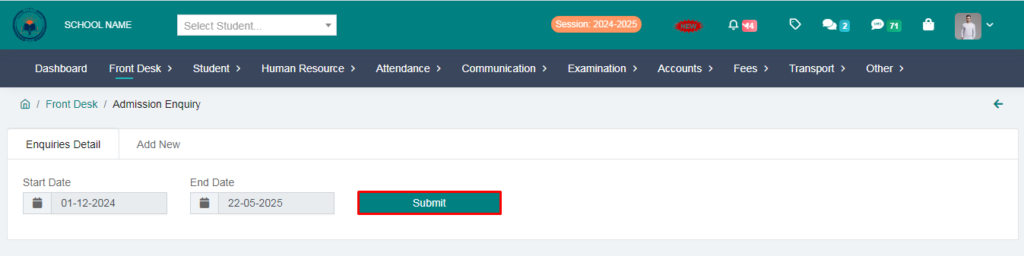
3. Select the date and click on submit button.
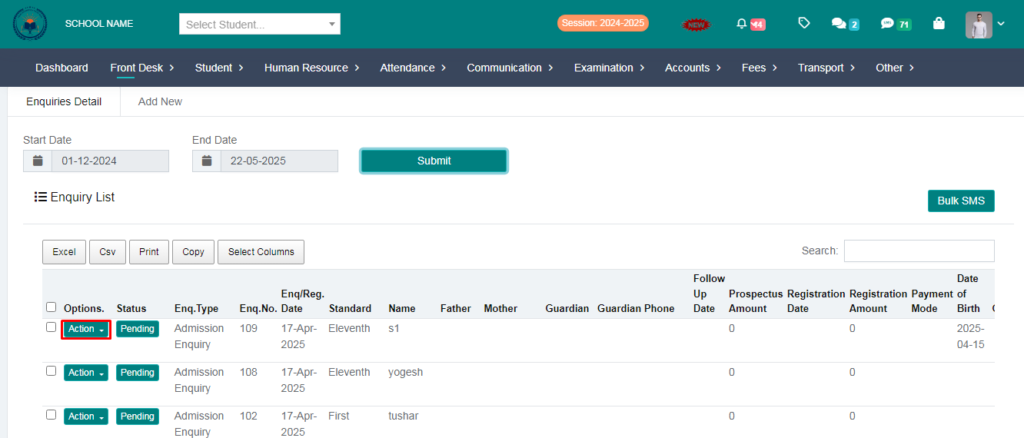
4. Click on action button.
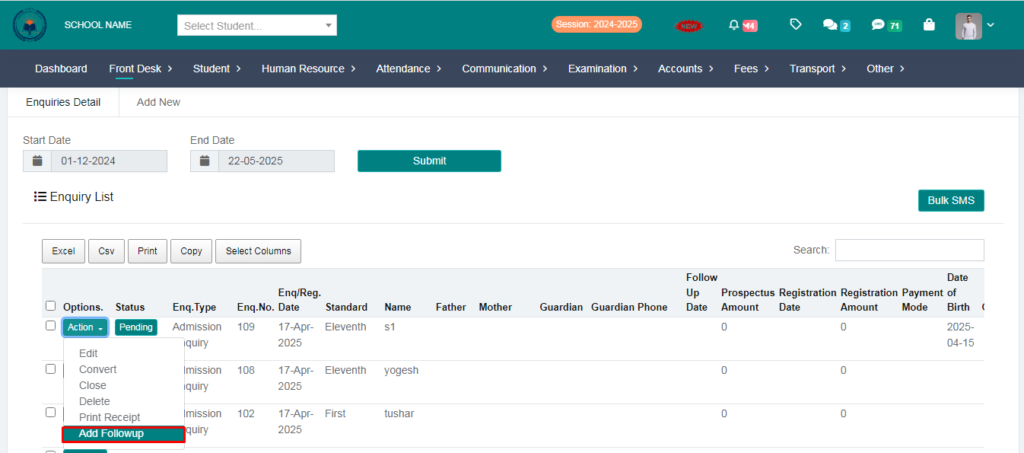
5. Go to Follow-up.
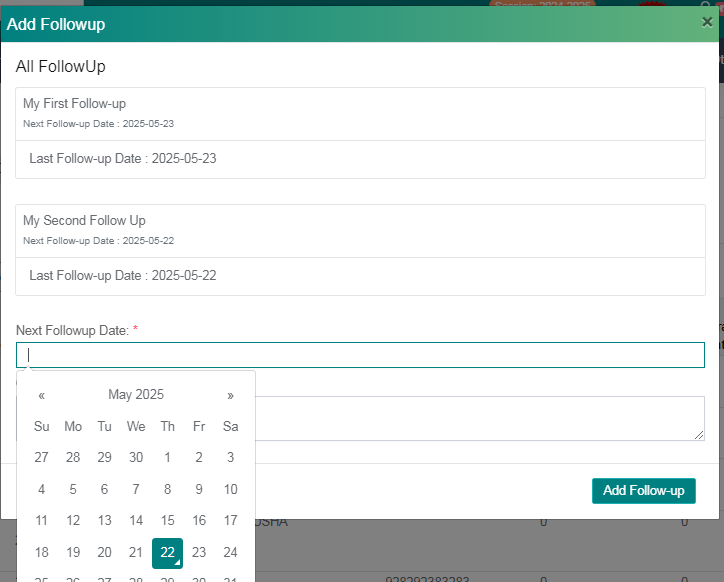
6. Select on next follow-up date and write a comment.
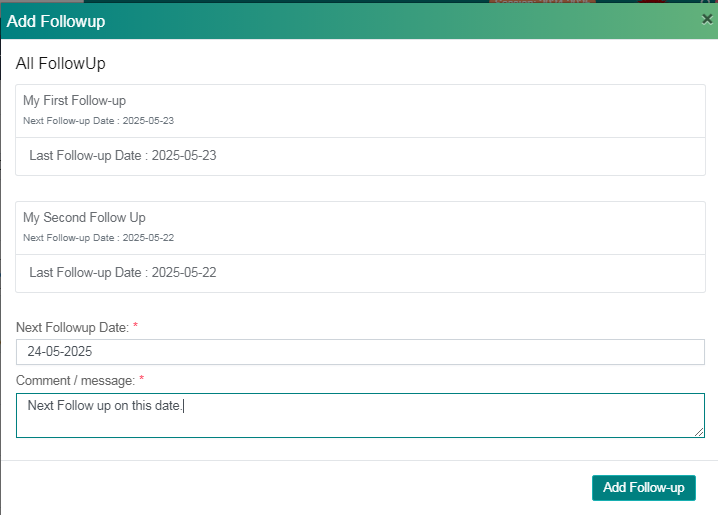
Click on Add Follow-up
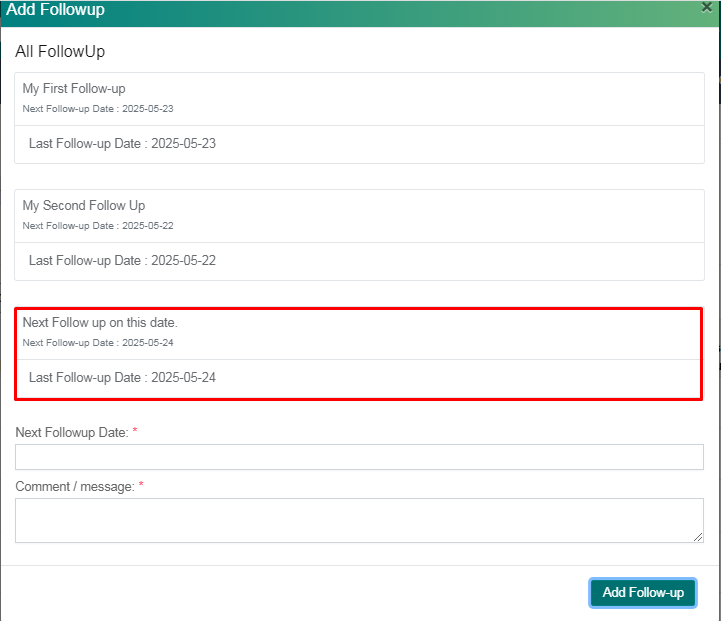
Your Follow-up added succesfully.