> From here you can Add students, take their admission in the software and upload students in the excel sheet in the software
> Follow these steps :
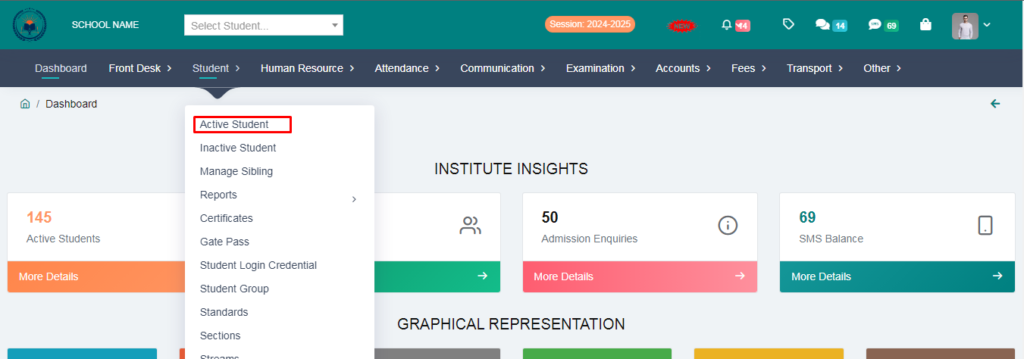
1. Go to Student Module.
2. Click on Active Student.
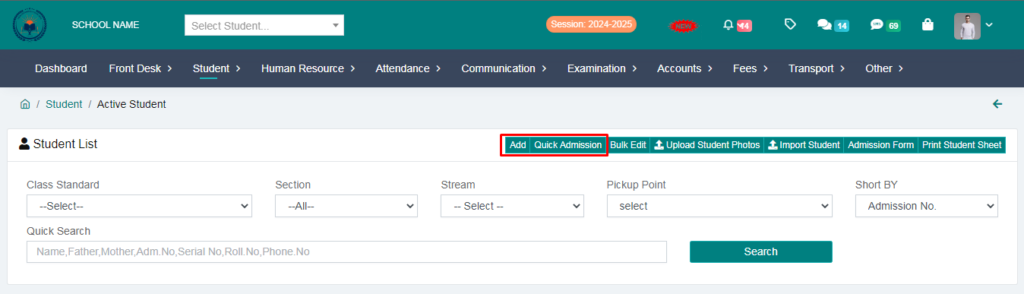
3. Here you will get two options, first is Add and second is Quick admission
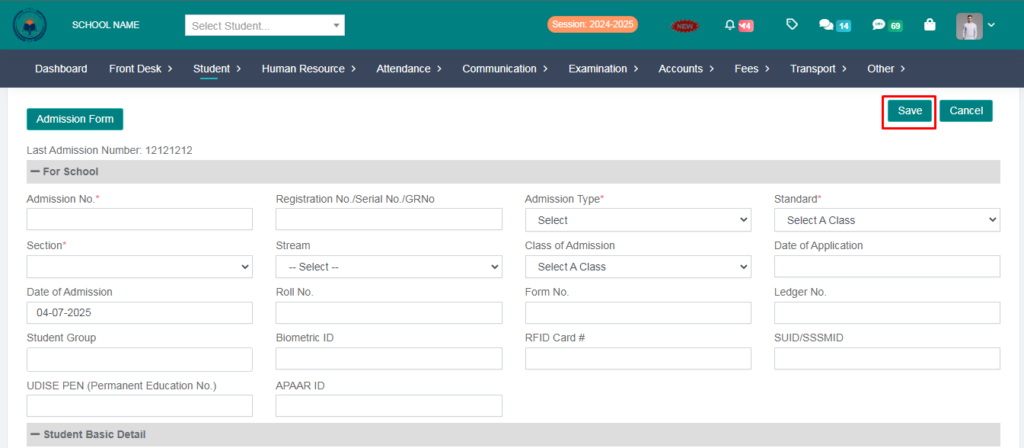
4. If you click on the Add, you will get an Admission form. You can take admission by filling it.
> Fill the student details and click on save button
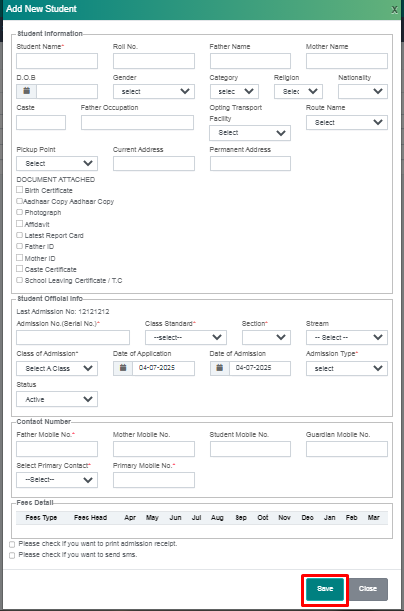
5. If you click on quick admission, you will get a small form in which you can take admission by filling the basic details of the students. You can take admission of students quickly from here
> Fill the form and click on save button
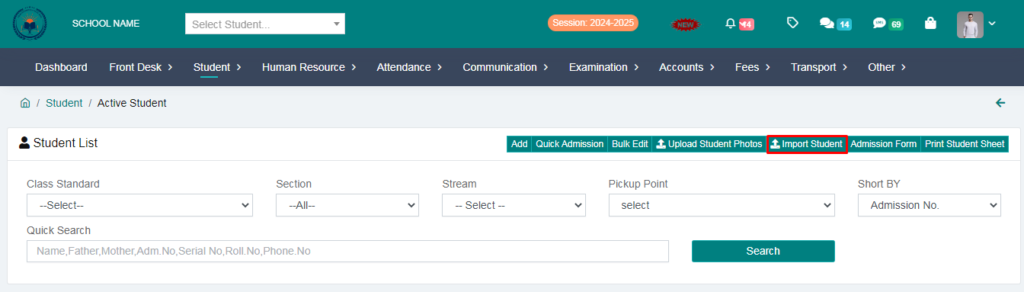
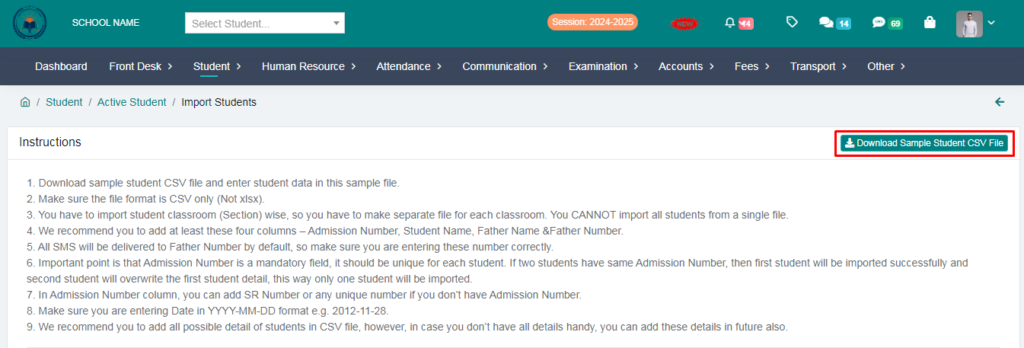
6. If you have to add students in bulk in the software then you will have to download a CSV file from here and after adding the student details, you will have to upload the CSV file of each class in the software.
> Click on Import Students
> Download a CSV file from here.
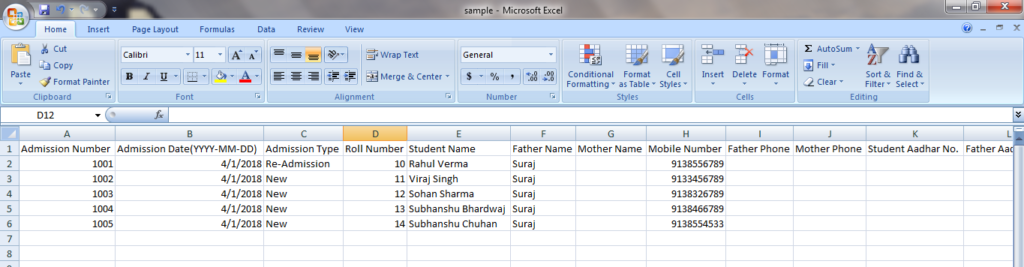
7. In this format, you will fill in the student details and save and upload the file.
8. Select the class from here and upload the file
> After upload the file and click on import student.
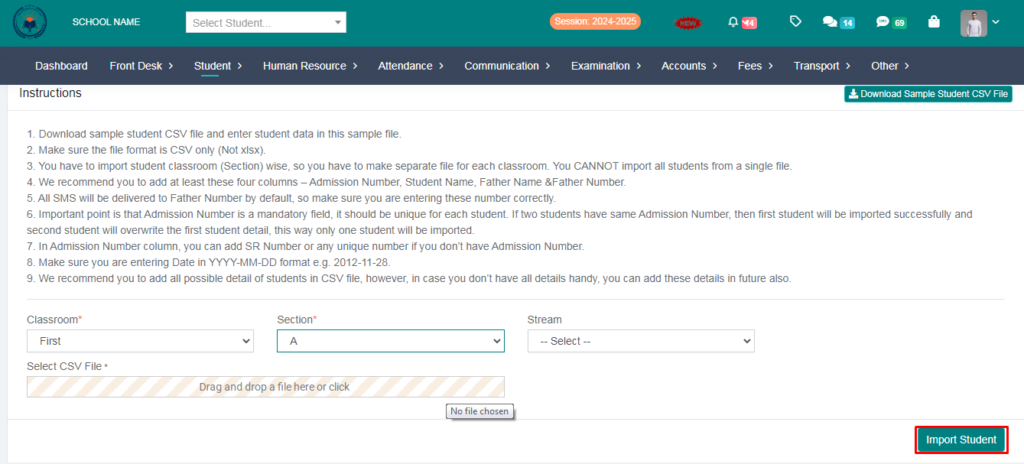
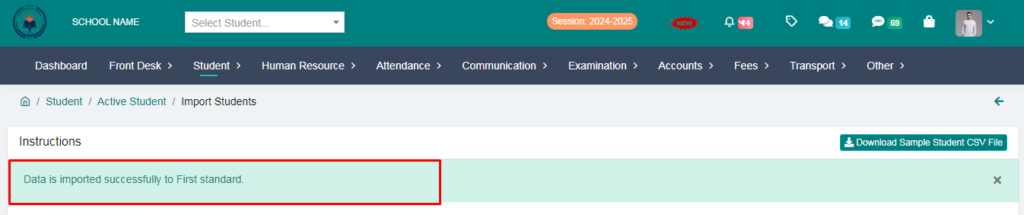
> Your Student data is Imported Successfully