Purpose – From here, you can generate detailed reports of transport routes and pickup points, and easily view, download, or print them for effective transport management.
> Follow these Steps :
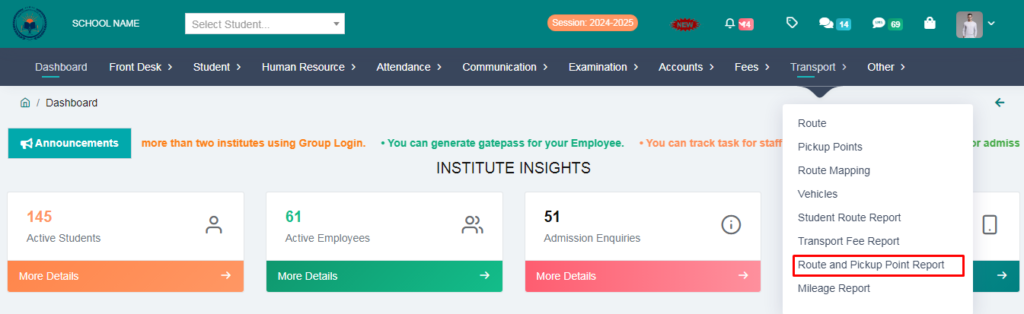
1. Go to Transport module
2. Click on Route and Pickup Point report
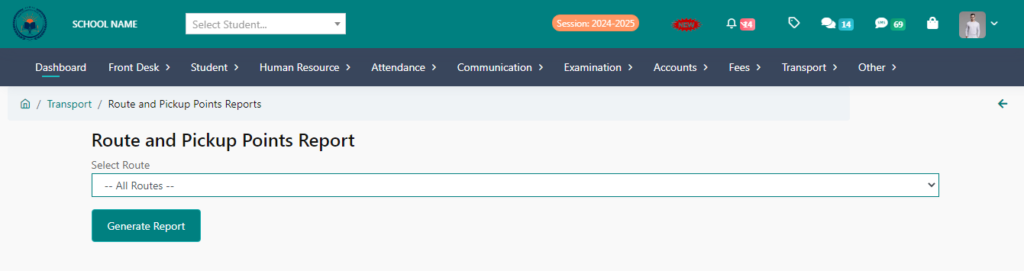
3. If you want to generate reports of all routes together, then select all routes; otherwise, if you want to generate report of any one route, then select it and click on generate report and print the report.
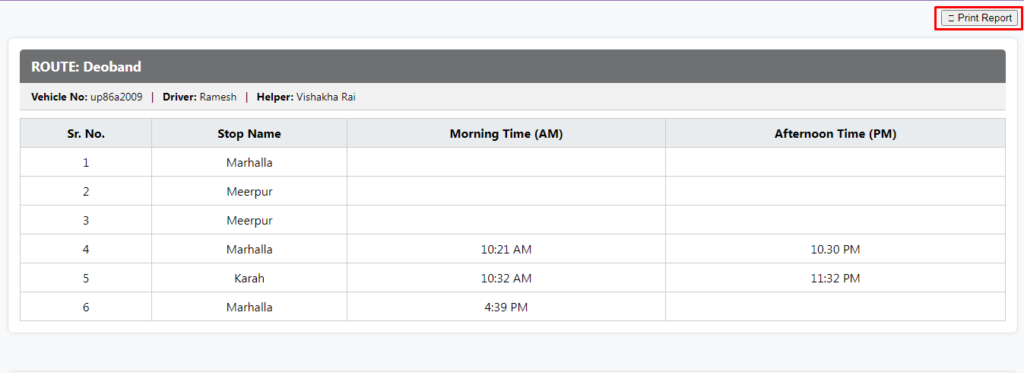
4. Click on Print Report
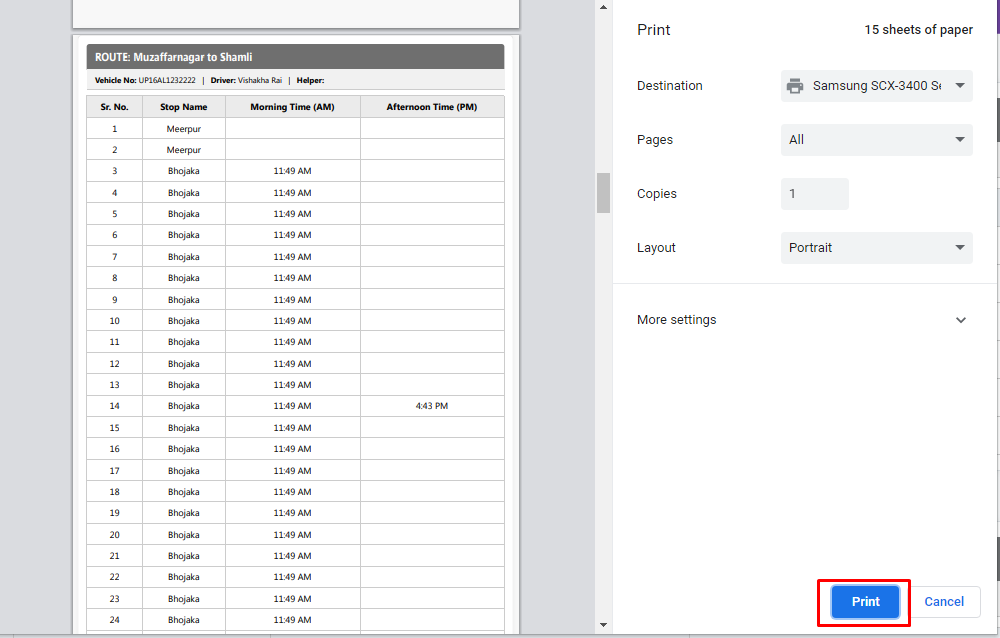
Your Transport Route and Pickup Point Report Generated Sucesfully