“Shuffle Students” feature is used to shuffle students’ class & sections in same session only.
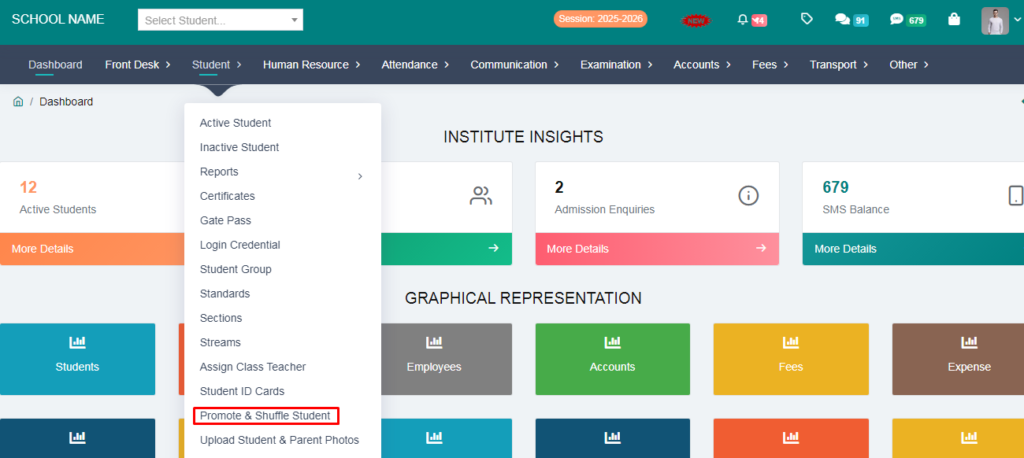
1. Go to Student Module.
2. Click on Promote & Shuffle Student.
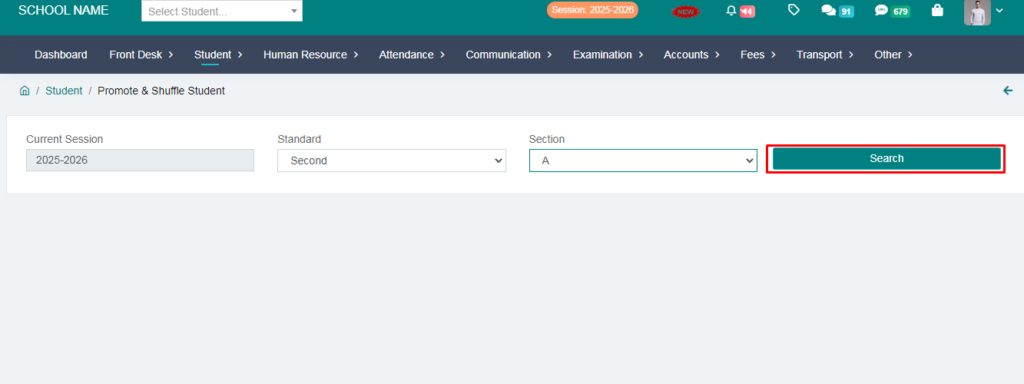
3. Select Standard, Section and click on Search button.
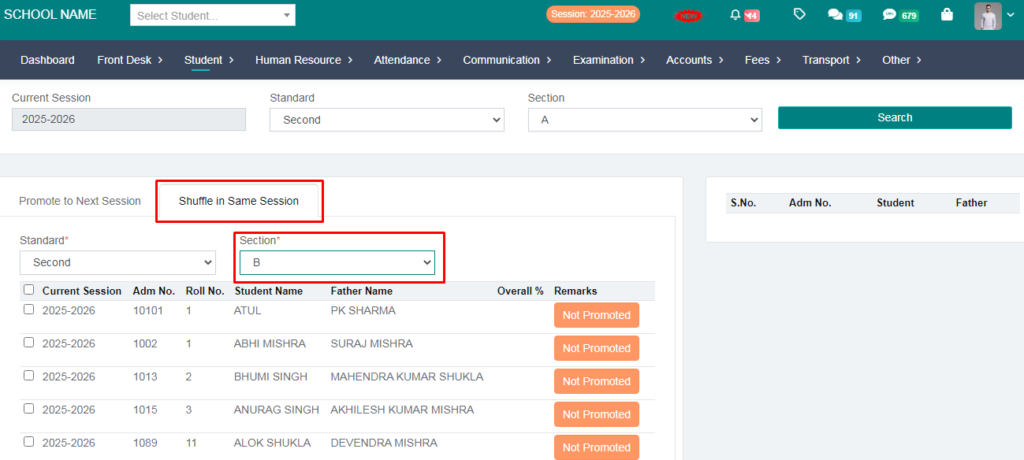
4. Click on Shuffle in Same Session.
5. Select Standard and Section where you want to shuffle the student(s). It will show all current students in selected Standard & Section.
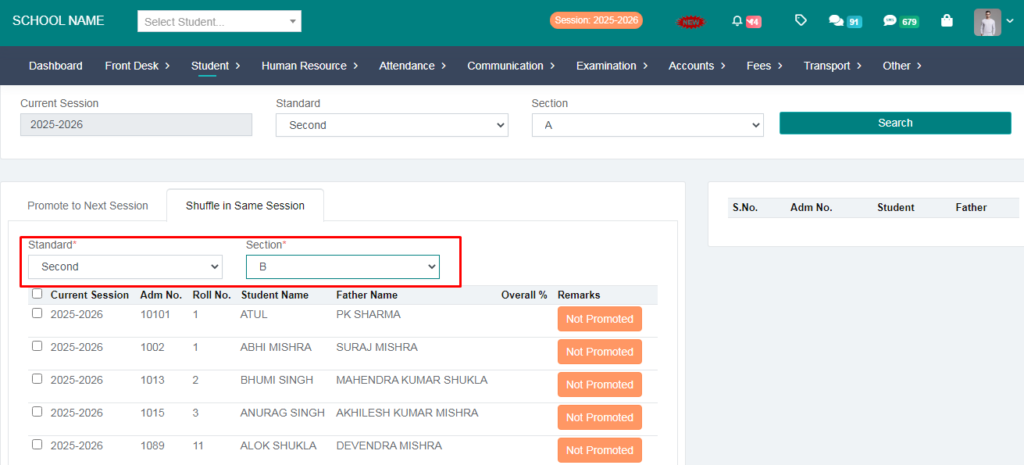
6. Select the students and click on Shuffle button.
7. It will show a successful message with the count of selected students.
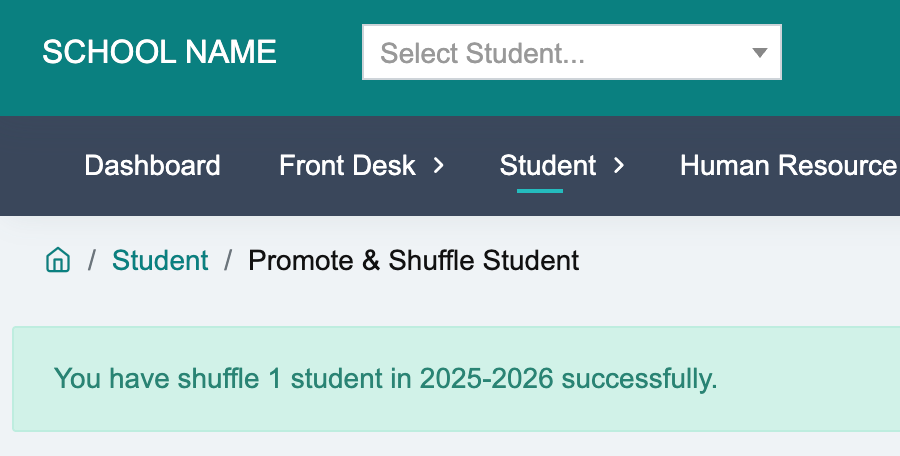
8. You can verify if shuffle is successful. Go to Active Student page and select Standard, Section and verify.
That’s it! Thanks